n-Track Studio 11

n‑Track Studio 11

New effects, instruments, tools and the AI assistant.

01Record

Record anything. Keep every take.

Unlimited audio and MIDI tracks, every input your interface has, and the tools to get the take you want without breaking the flow.

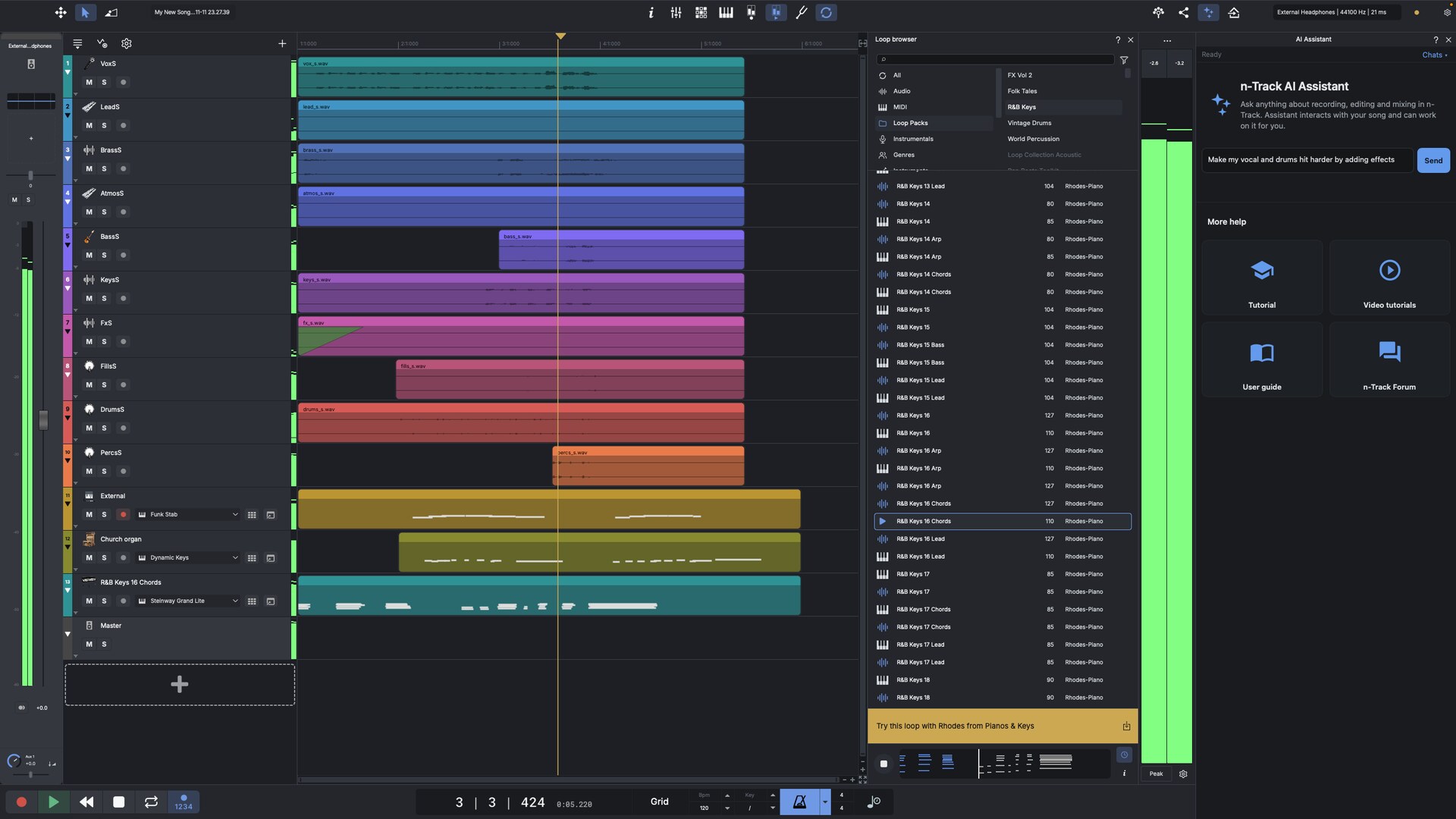
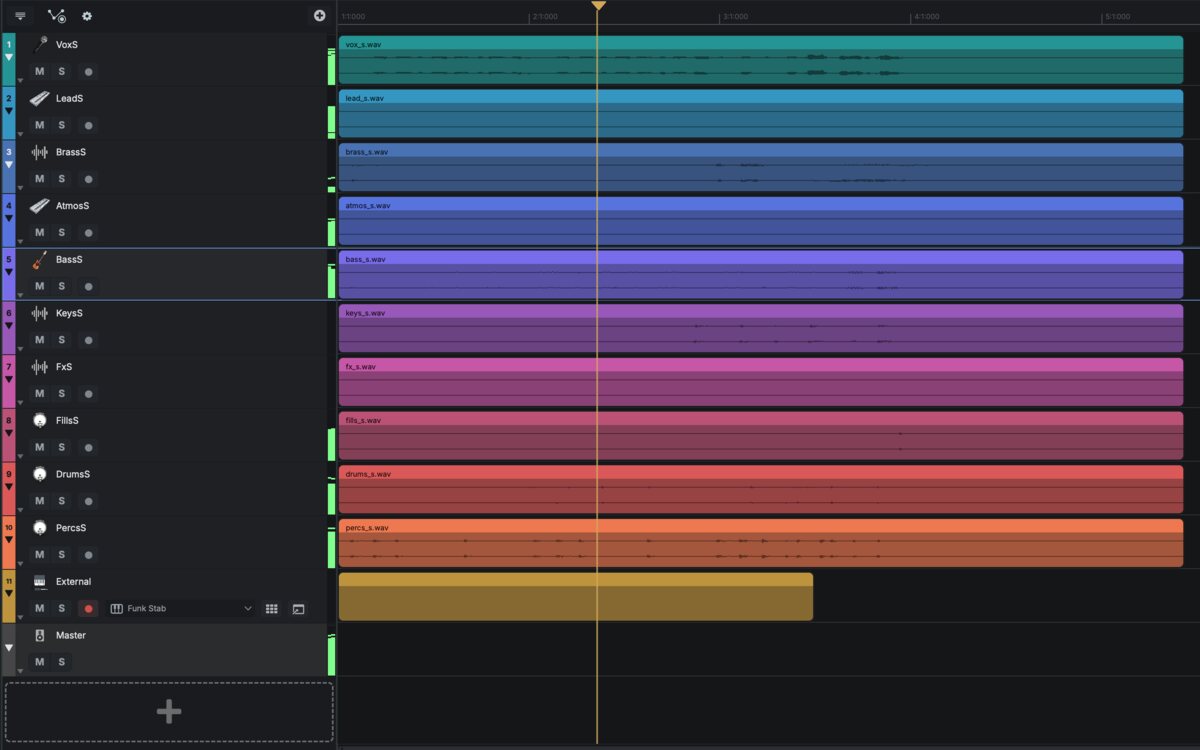
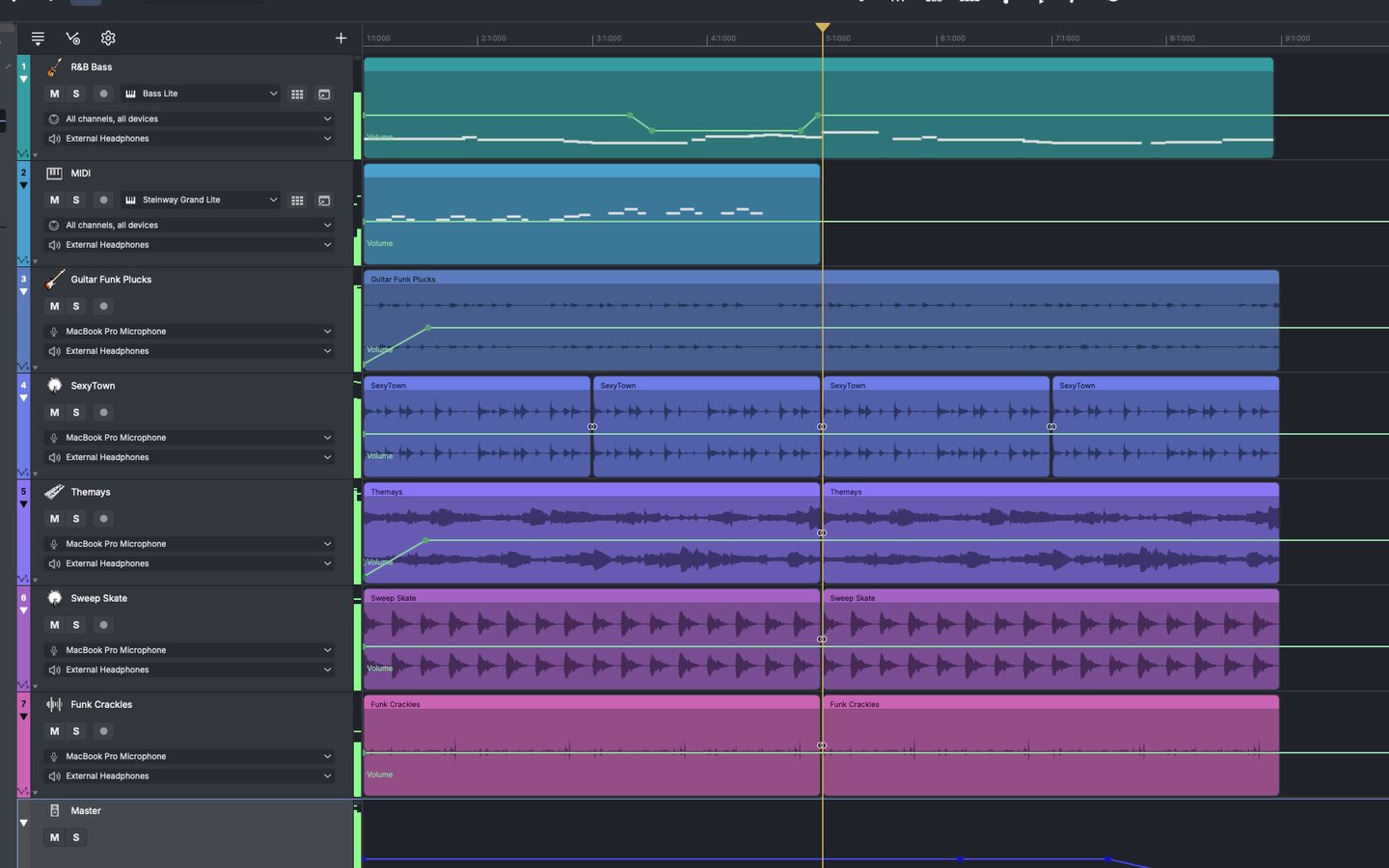
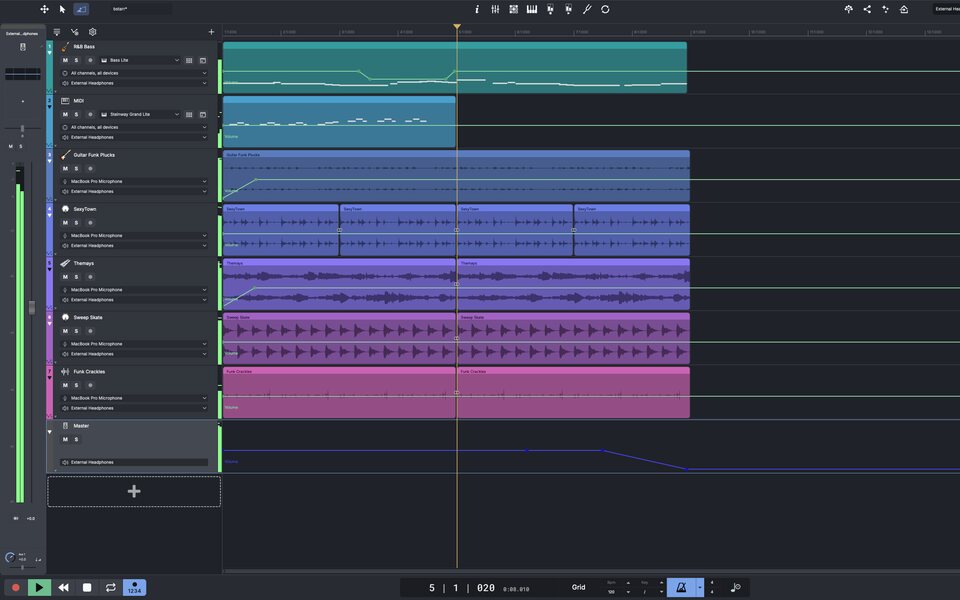
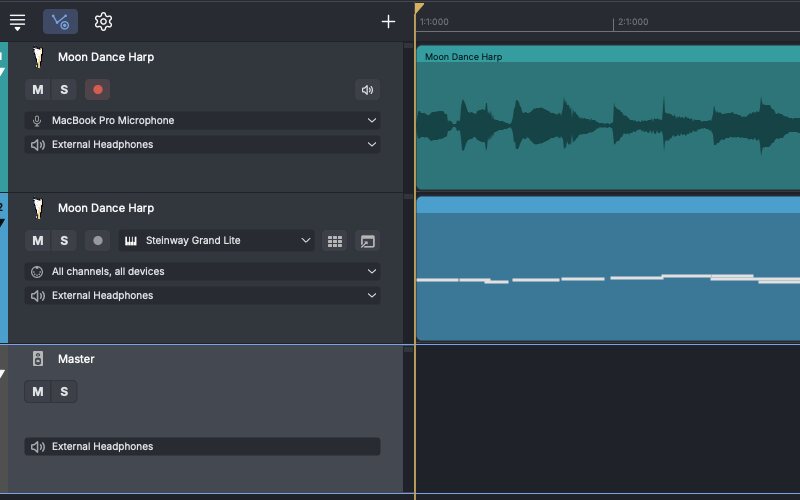
Tracks in the n-Track Studio 11 Timeline
  • Record several tracks at once from a multichannel interface, each input to its own track.
  • Take lanes keep every pass. Count-in and punch-in redo only the bars that went wrong.
  • Voice-activated recording starts the moment you start playing.
  • Play through amps and effects while you record, keep the dry signal, and change the sound afterwards.
  • Level meters and soft clipping keep your takes clean.
New in 11 Desktop

Hybrid buffering

Keeps the tracks you are recording or playing live at low latency while the rest of the song uses a larger buffer, so you get low latency and a higher track and effects count.

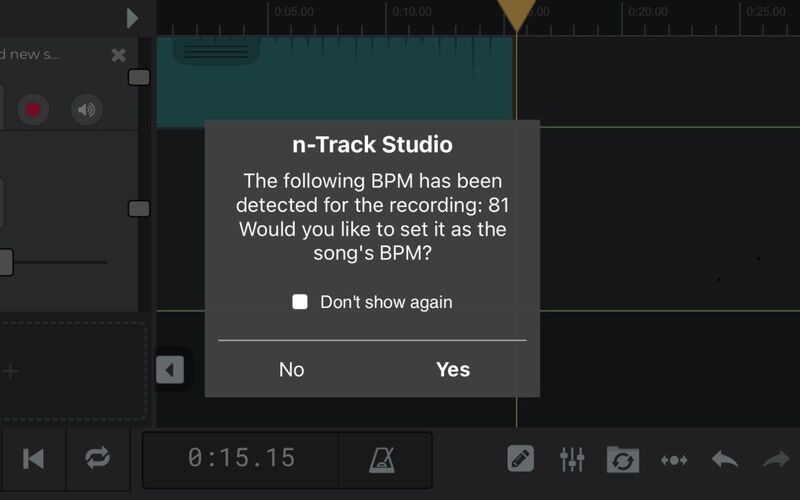
n-Track offering to set the song tempo after a take

Automatic tempo detection

Skip the metronome and just play. After the take, n-Track works out the tempo and offers to set the song to match it.

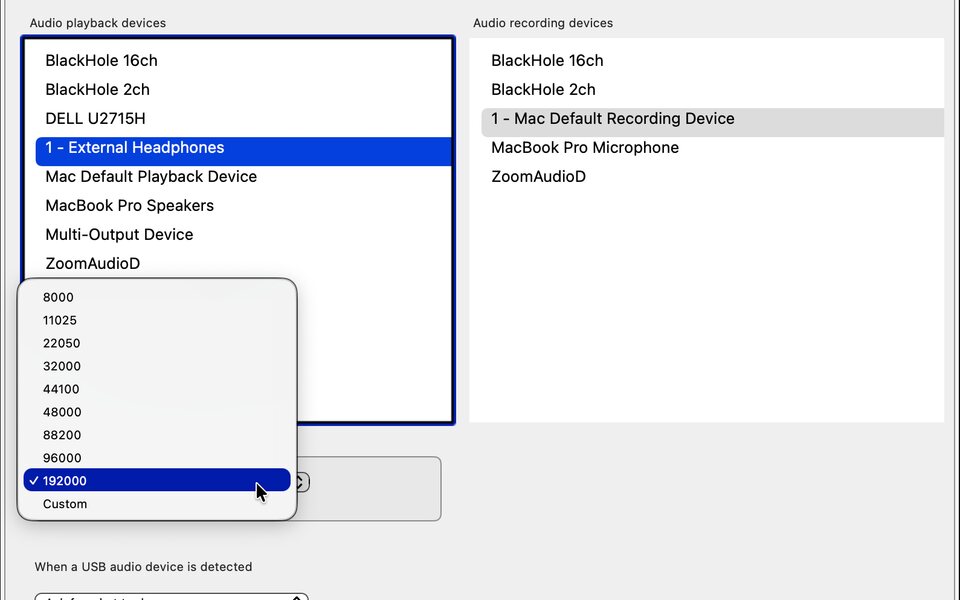
Audio playback and recording devices, sample rate up to 192 kHz

Any interface, every input

ASIO, WaveRT and WDM on Windows, Core Audio on macOS, and USB audio interfaces on iPhone, iPad and Android. Record at up to 192 kHz.

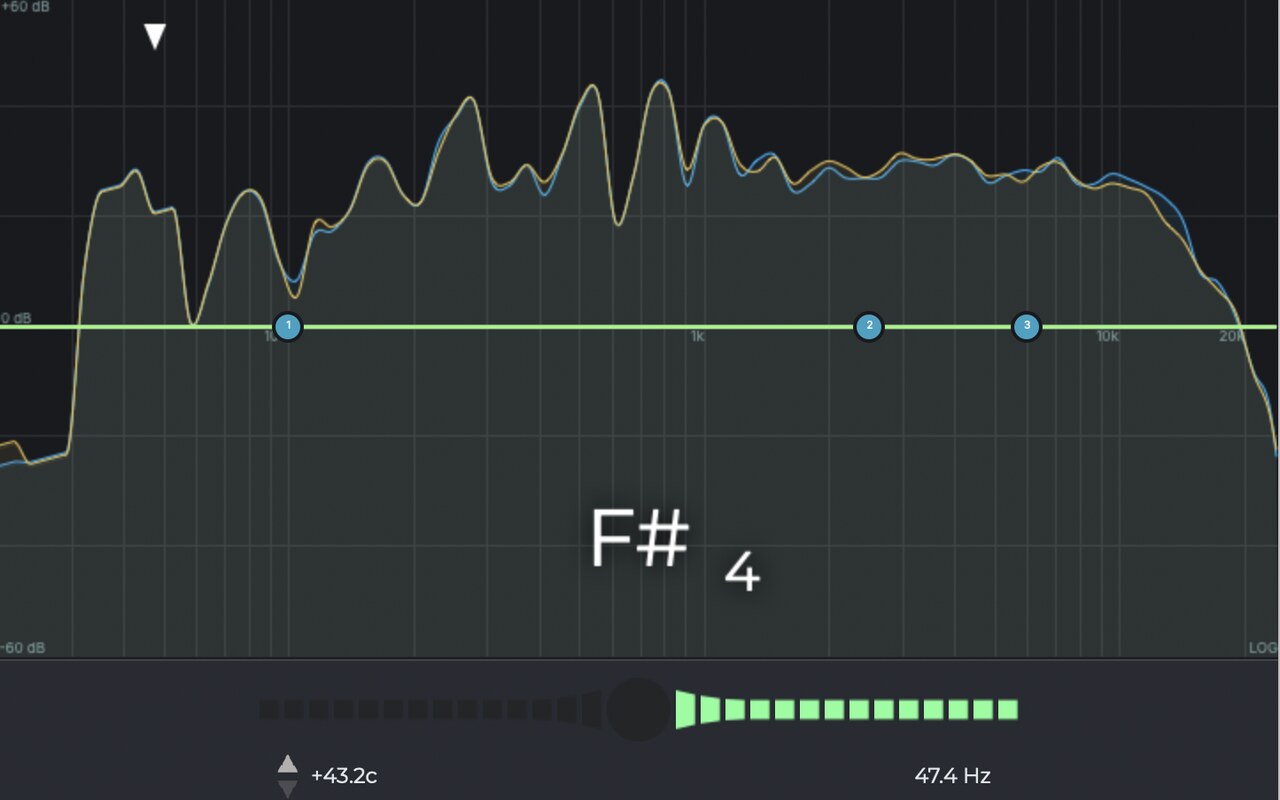
The n-Track tuner reading F#4 over the spectrum

Tuner

The handy built-in tuner lets you tune your instrument with a high precision without leaving your project.

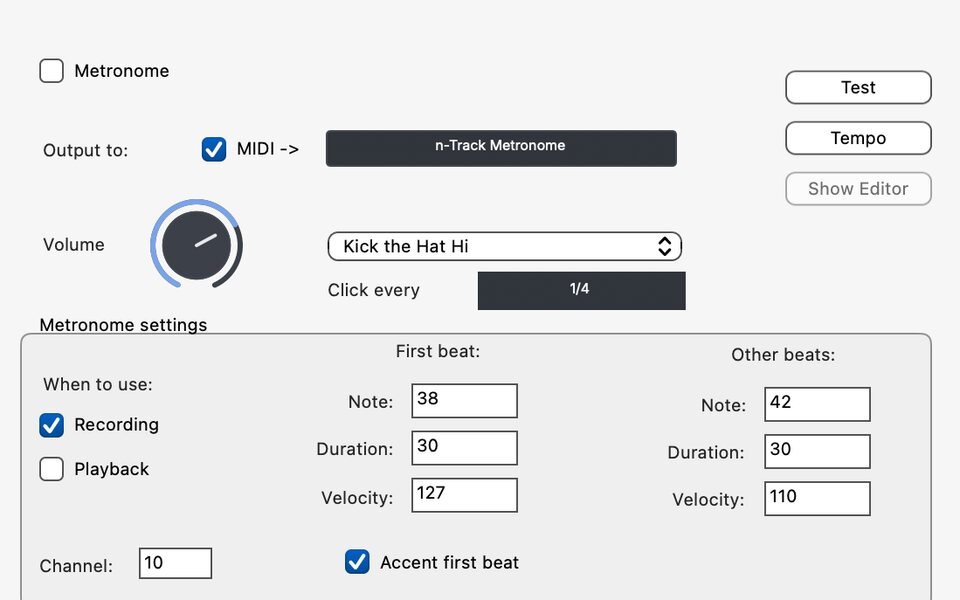
Metronome and count-in settings

Metronome and tempo map

A metronome with up to 10 bars of pre-roll, a snap grid, and tempo and time signature changes anywhere in the song, gradual ones included.

02Edit

Shape every take. Keep the original.

Editing is non-destructive, so your recordings stay as they were. Cut, fade, stretch, retune and realign, and change your mind later.

Audio and MIDI parts with volume automation in the n-Track 11 Timeline
  • Fade and volume widgets on every audio part, and crossfades where parts overlap.
  • Snap selection edges to zero crossings, and edit right down to the single sample.
  • Loop parts, normalise levels, and save and recall selections.
  • Markers and regions to find your way around a long session.
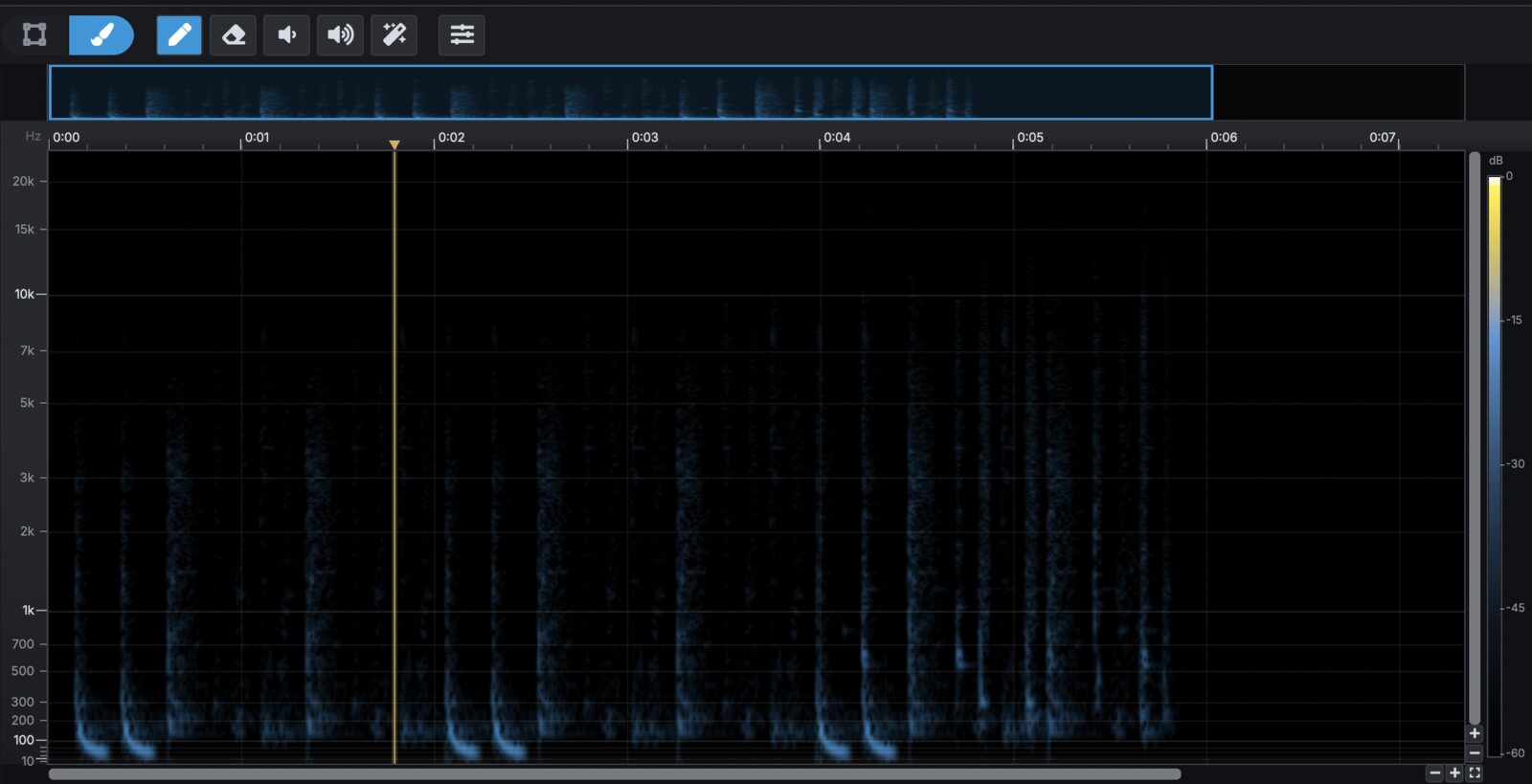
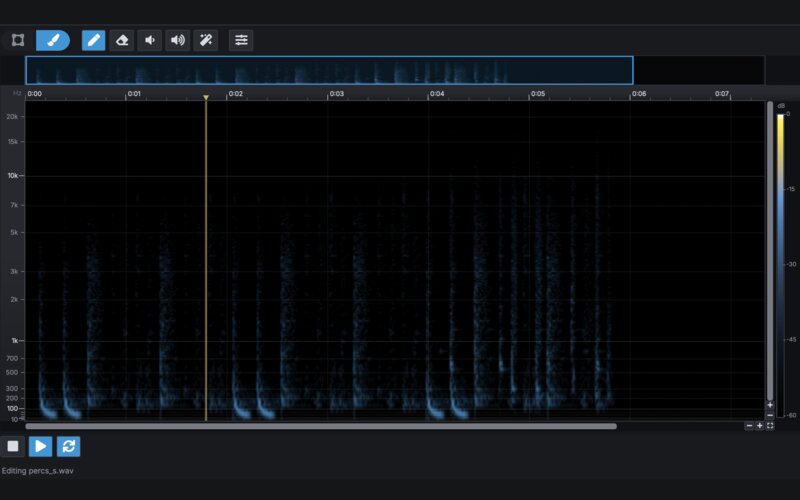
Spectral Edit brushing a cough out of a recording
New in 11

Spectral Edit

See your audio as a picture and edit the picture. Lift out a cough without touching the guitar underneath, or brush away a ringing phone. The original is always kept.

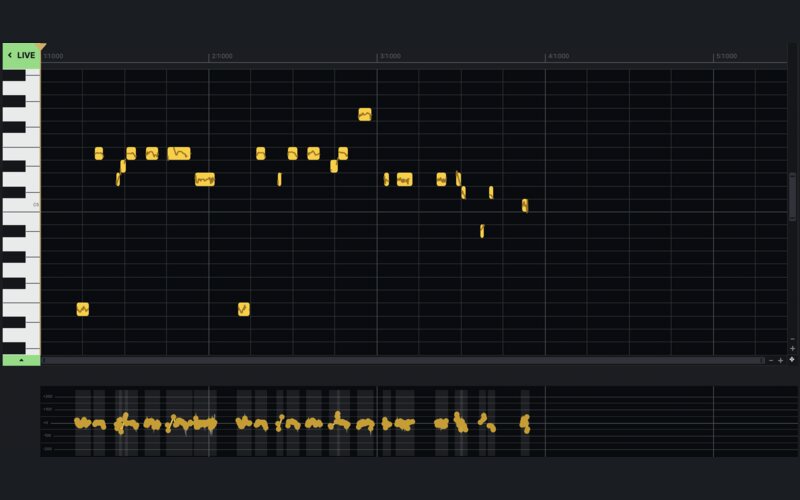
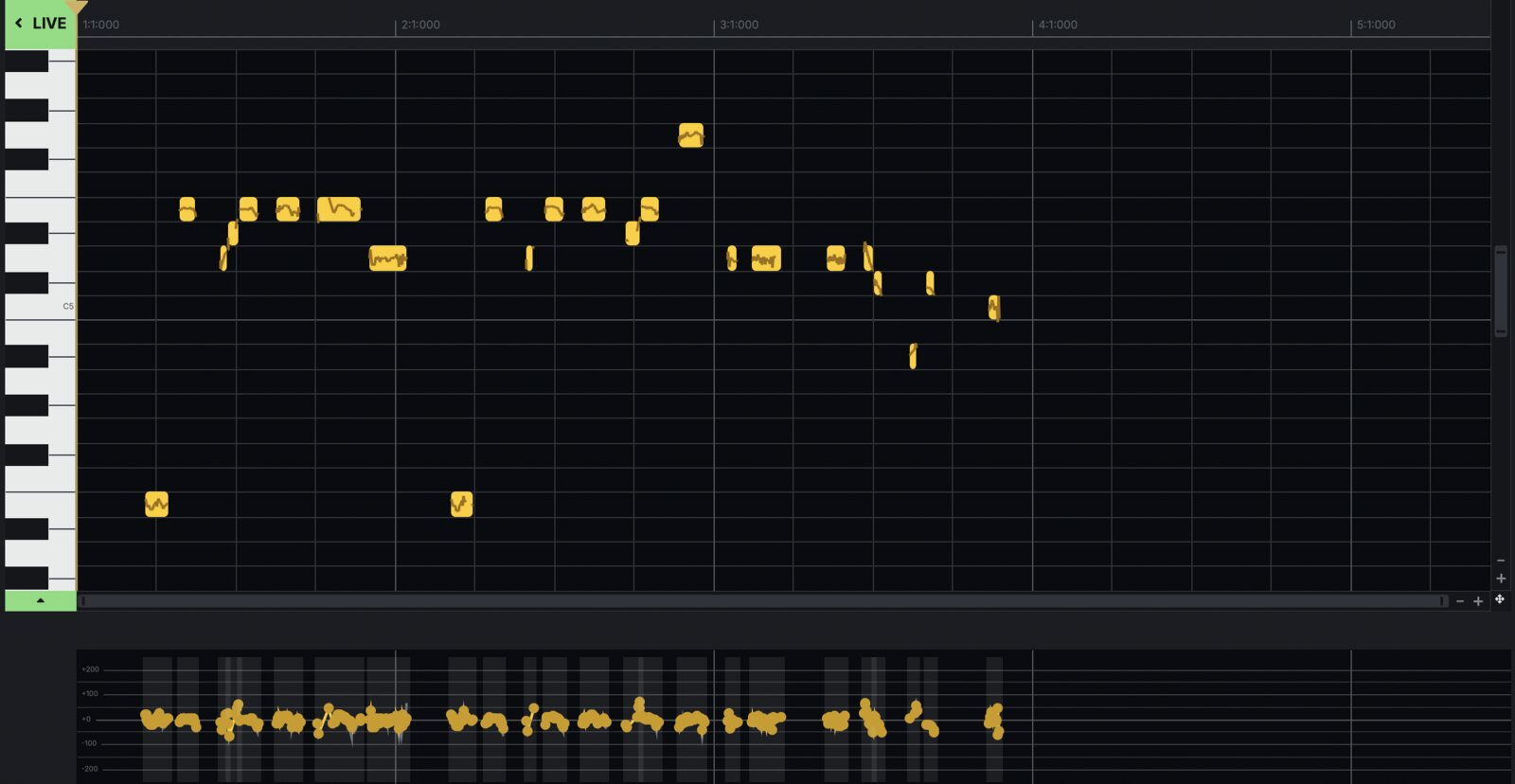
VocalTune Edit mode: the sung notes on a piano roll
New in 11

VocalTune, live or custom

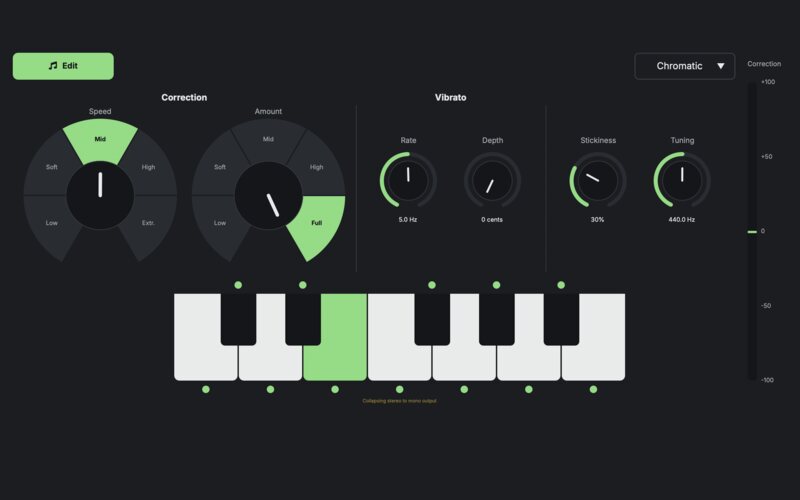
New in 11: Edit mode shows your take as notes on a piano roll. Drag a sour note to the right pitch, straighten a wobble or reshape the melody by hand. Live mode still pulls every note to your key as you sing.

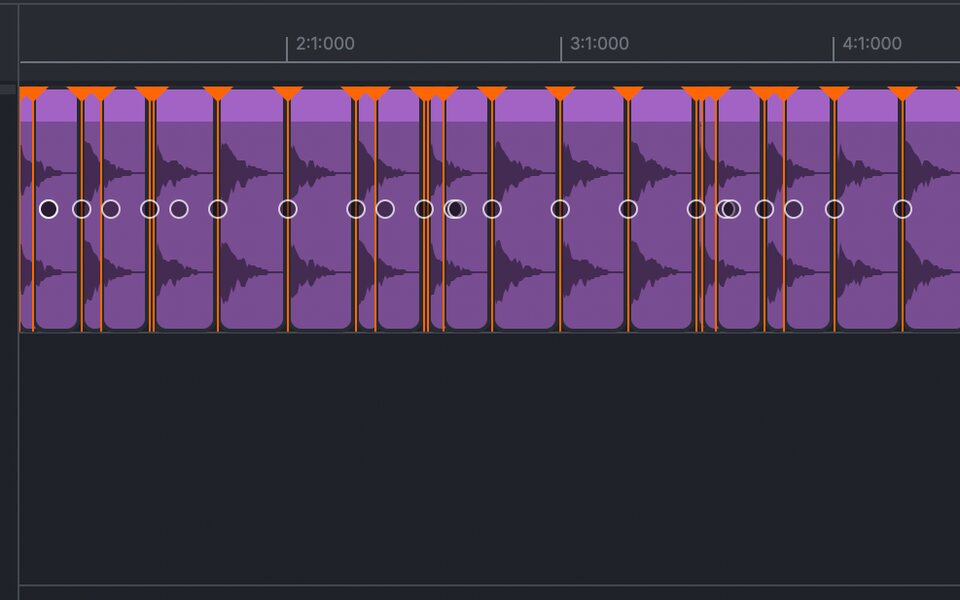
Transients detected on a drum loop

Beat Doctor

Detect transients and tweak your beats or rhythmic performances for perfect timing.

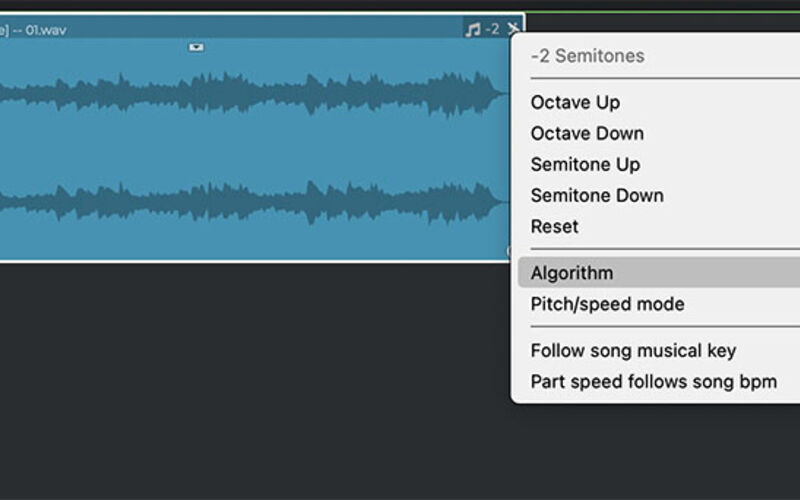
The Key Widget menu on an audio part

Key Widget

Transpose a part or a loop by semitones or octaves straight from the track, choose the pitch algorithm, or let it follow the song's key.

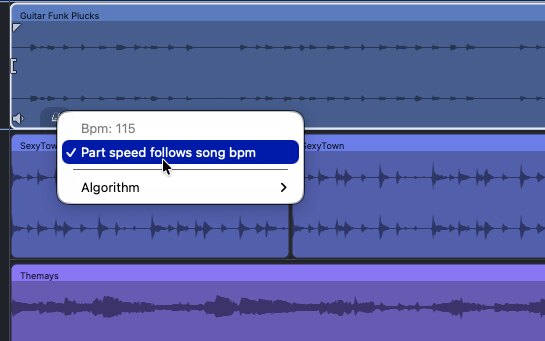
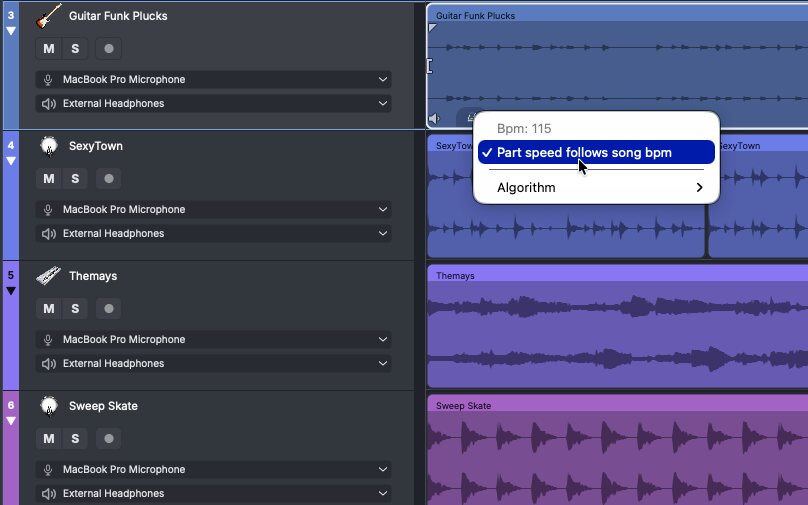
A loop's detected tempo (Bpm: 115) with Part speed follows song bpm

BPM detection with beat alignment

Import a loop or a stem and n-Track detects its tempo and lines its first beat up with the grid, even when the file starts with silence.

03MIDI & instruments

Write it, play it, program it.

A piano roll, a step sequencer, samplers and synths, and every way of getting notes in: a keyboard, a controller, the screen, or your own voice.

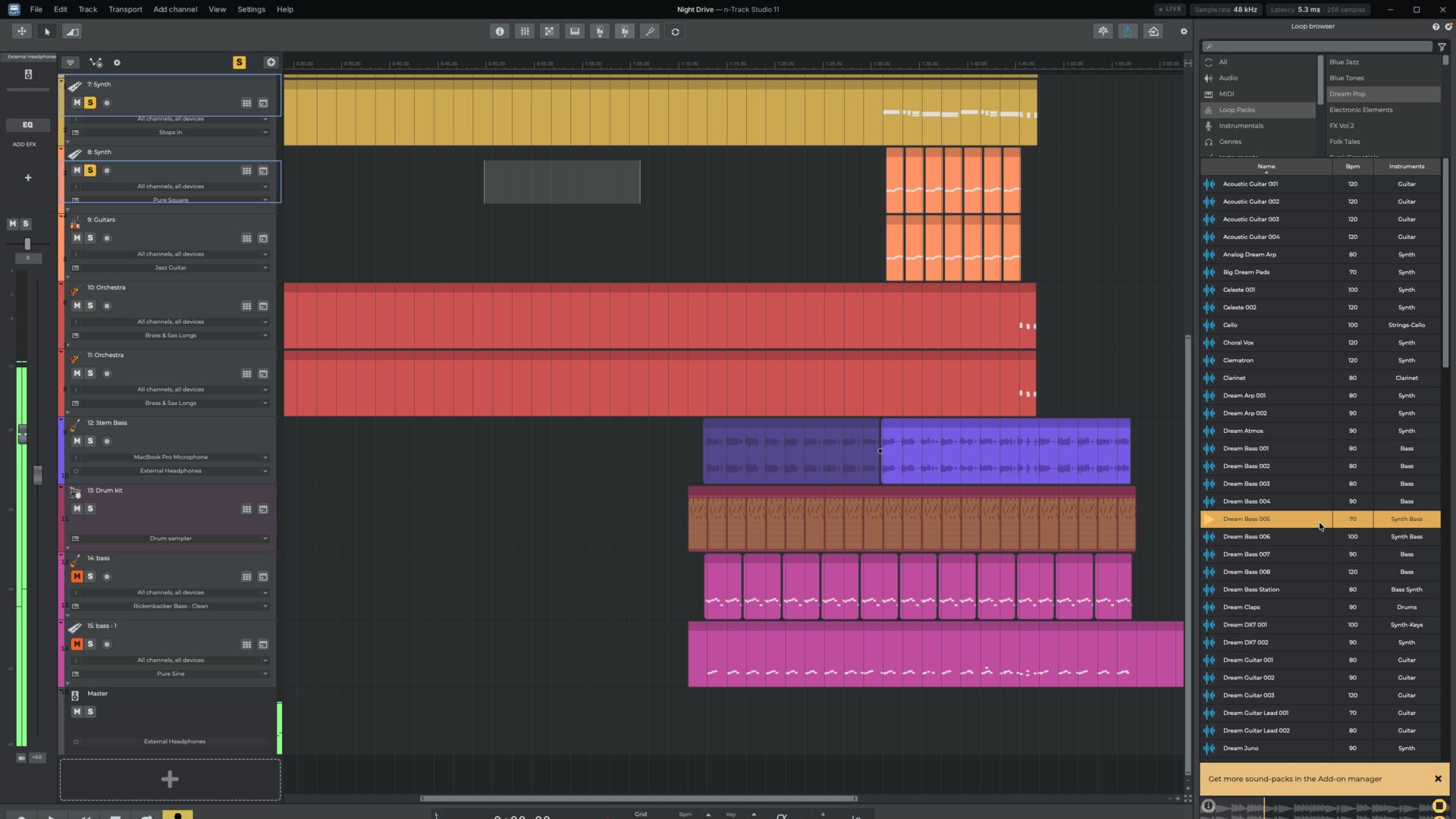
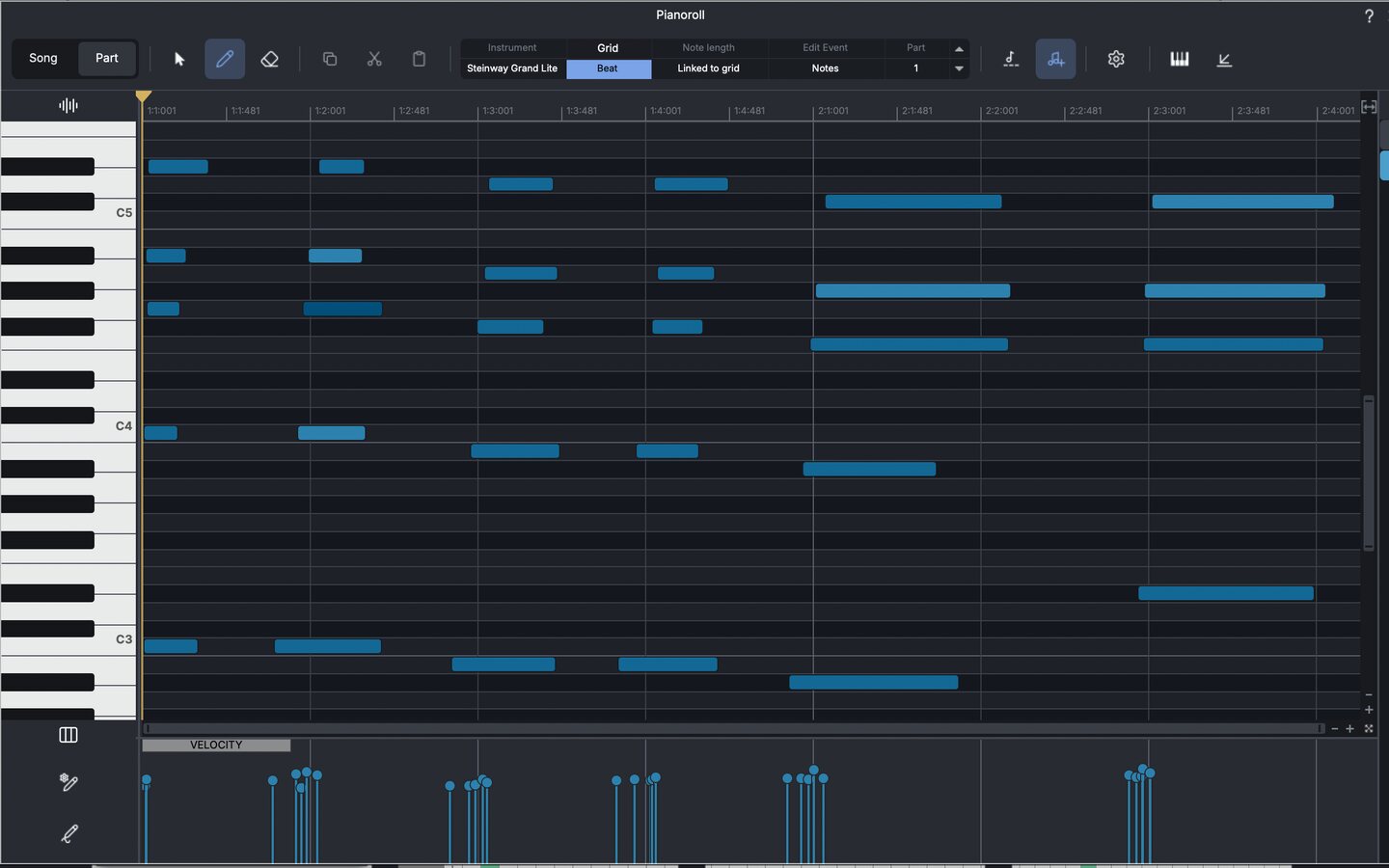
The n-Track piano roll

Piano Roll

  • Notes, velocity, pitch bend, sustain, volume and pan, all in one editor.
  • Draw MIDI envelopes with shaped nodes for any controller.
  • Ghost parts: copies that follow every edit you make to the original.
  • Glide between notes with legato slides.
  • Grid and quantise, with several tracks visible at once.
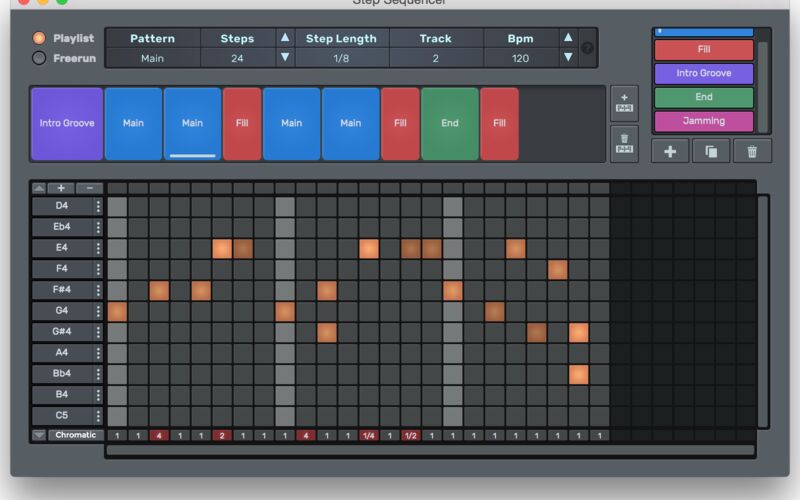
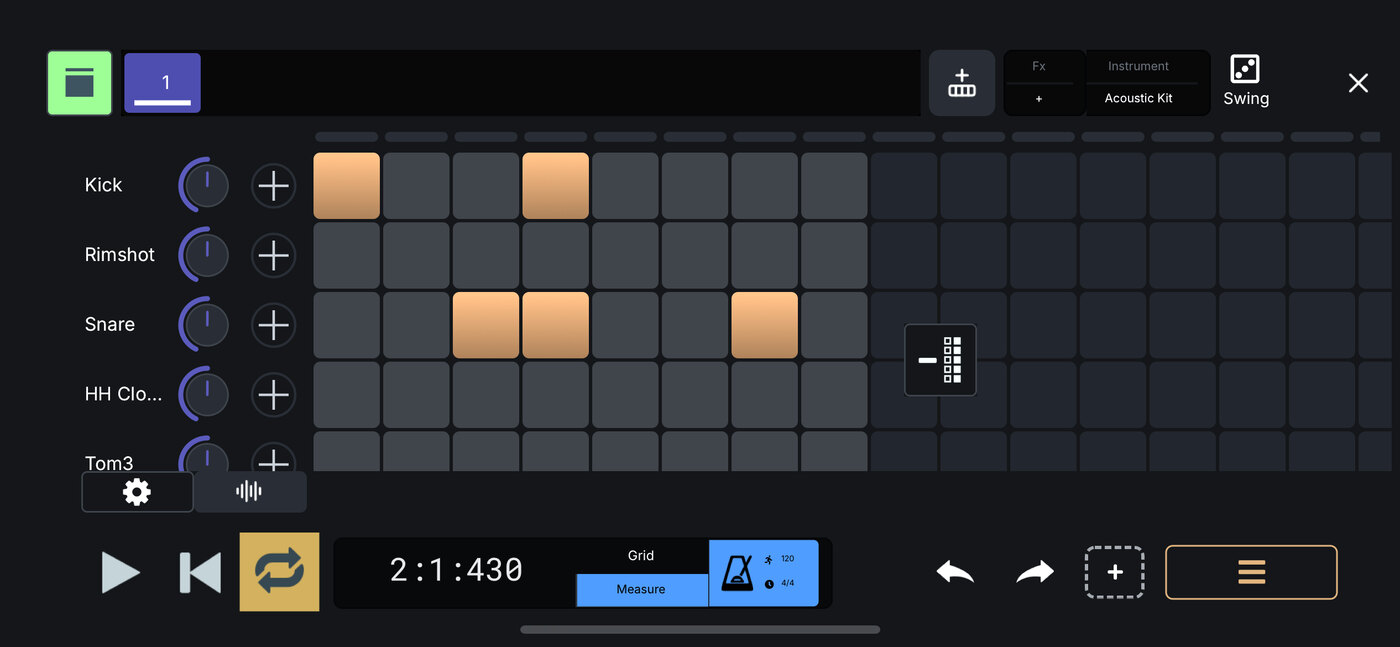
The Step Sequencer

Step Sequencer

Build a song from patterns: program beats in free-run mode, then chain patterns into a playlist. Use your own samples, and switch patterns live from a MIDI controller.

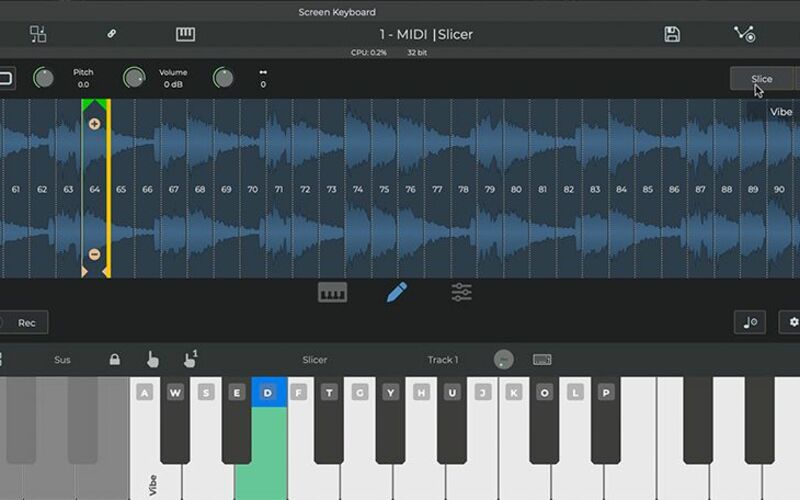
The slicer in n-Track Sampler

n-Track Sampler

Melodic and drum samplers, a slicer that cuts loops by grid or by transient, and multilayer instruments with velocity layers. Import your own sounds and save them as instruments.

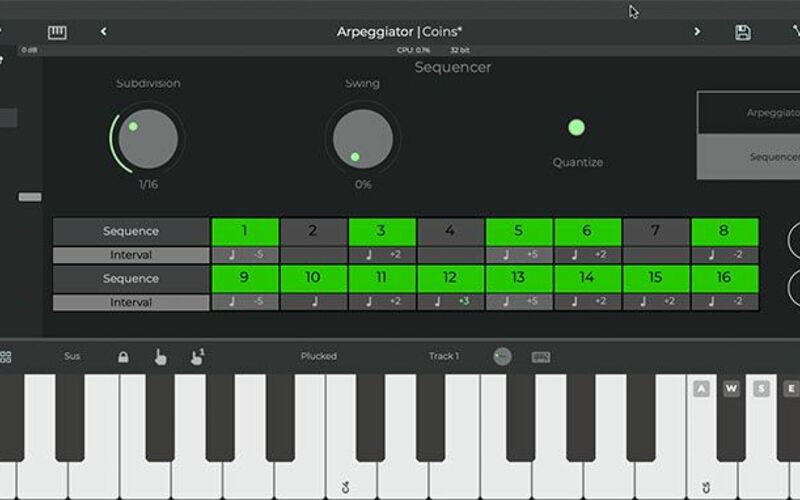
The Arpeggiator & Sequencer plug-in

Arpeggiator & Sequencer

Two MIDI plug-ins for instant patterns: an arpeggiator that turns held chords into runs, and a sequencer with swing, subdivisions and an interval row.

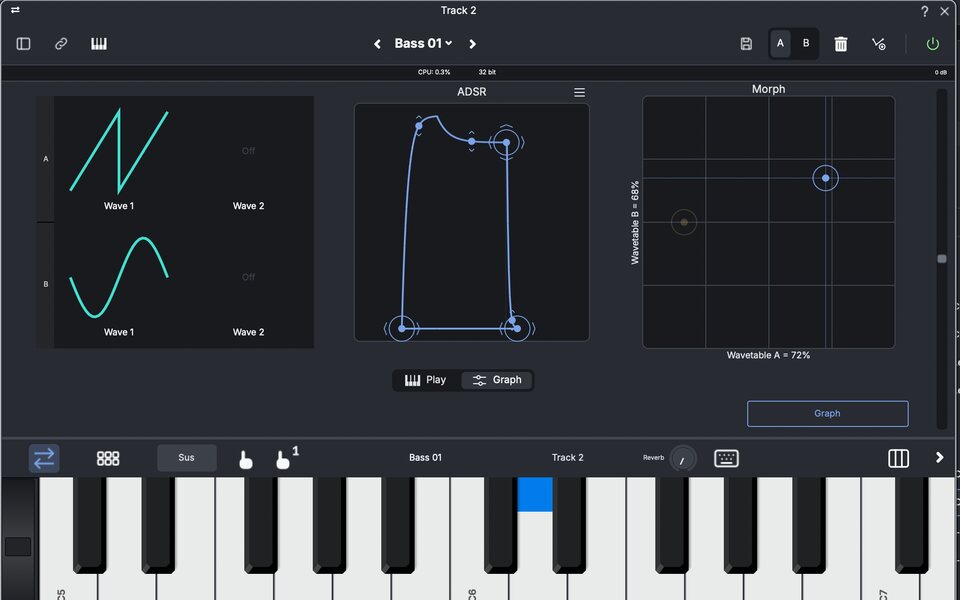
Onda Synth: wavetables, ADSR and morph

Onda Synth

The built-in synth: oscillators, filters, envelopes, tremolo and vibrato, legato, MPE support and custom temperaments.

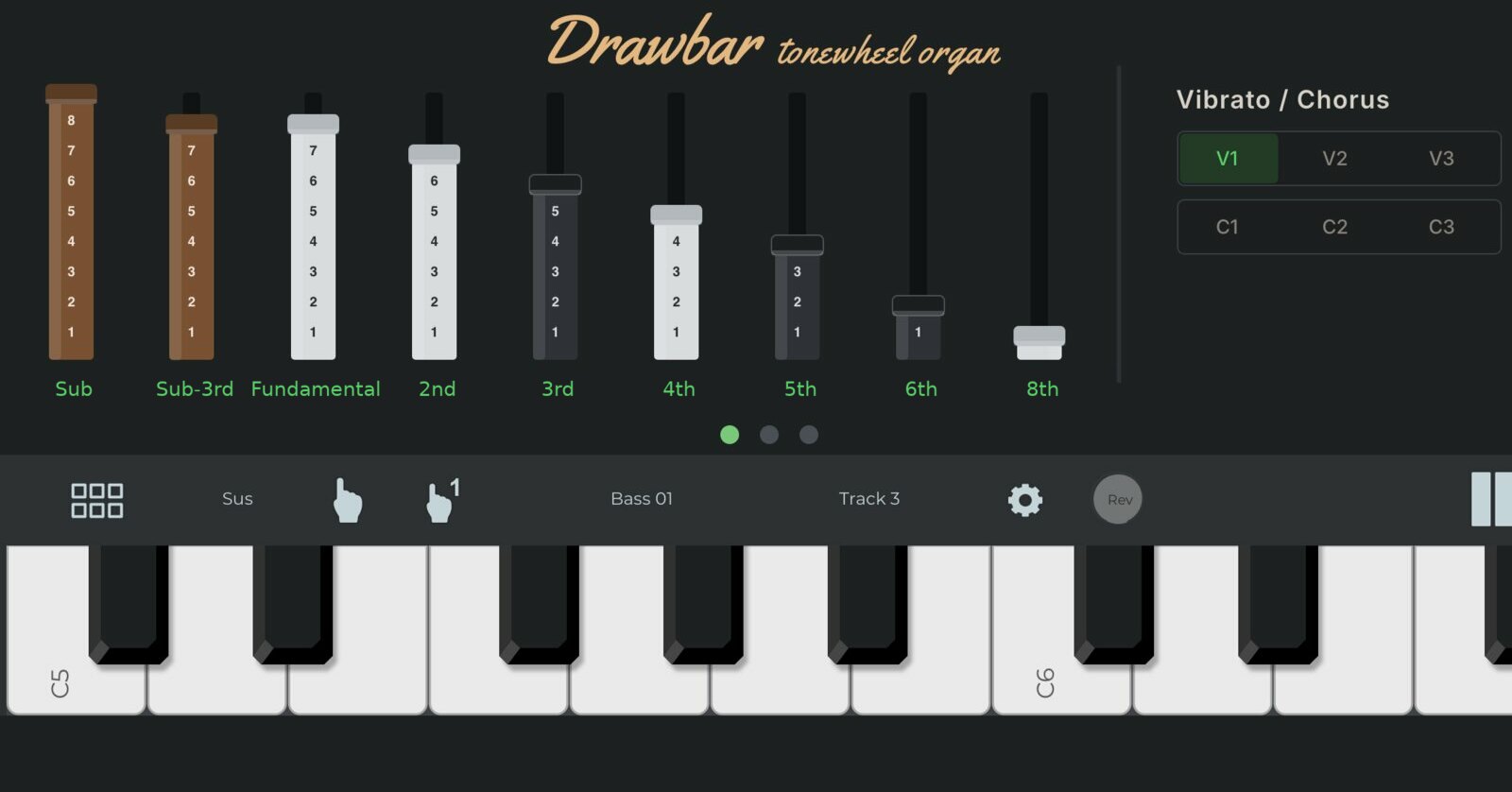
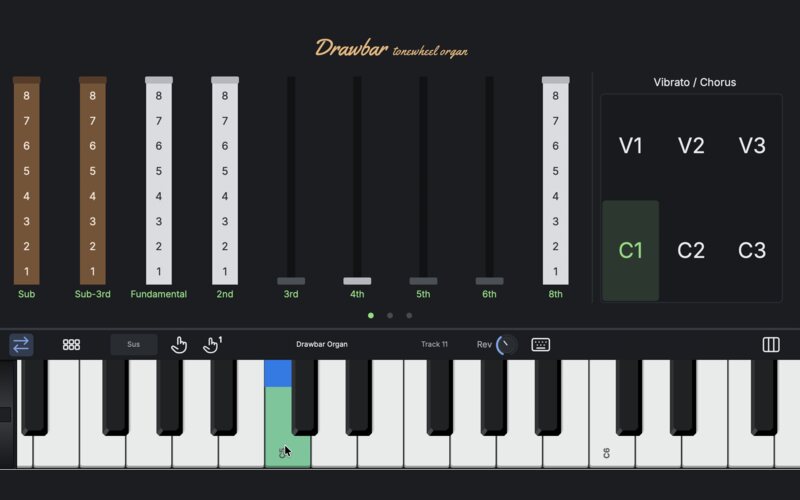
Drawbar tonewheel organ
New in 11

Drawbar organ

An organ whose tone you build yourself for that vintage sound: nine drawbars, percussion, key click, and vibrato or chorus.

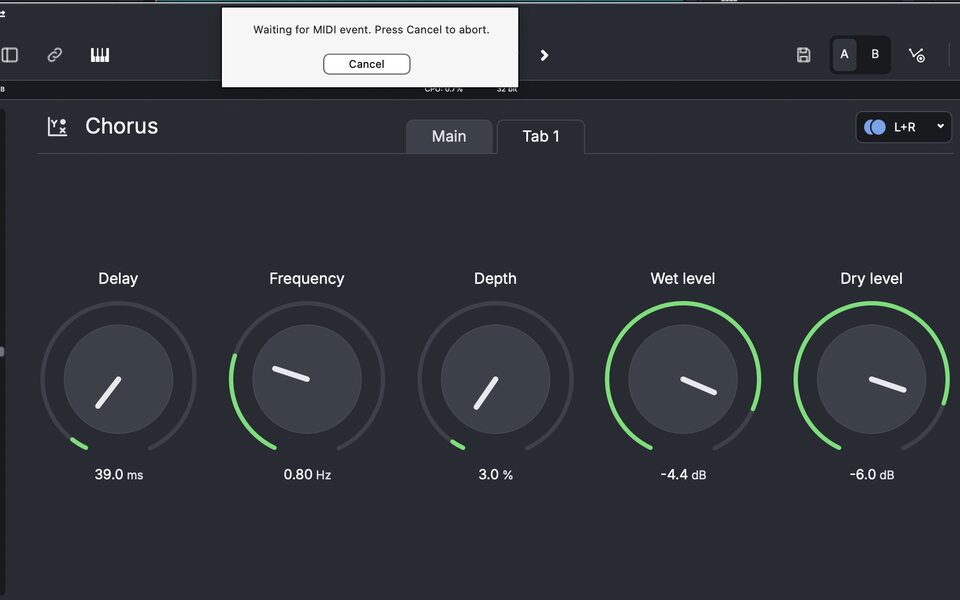
MIDI learn on the Chorus: waiting for a MIDI event

MIDI learn and control surfaces

Map the knobs and faders of any MIDI controller to plug-in parameters, the mixer and the transport, or use a dedicated control surface.

04Loops & sounds

Drop in a loop. It's already in time.

Royalty-free loops, samples, instrumentals and song templates, a search away in the Loop Browser. Every loop follows your song's tempo, and its key if you want it to.

  • 15 GB+of royalty-free loops and sounds
  • 400+playable instruments with Suite
  • 5formats for your own samples: WAV, MP3, AIFF, M4A, FLAC
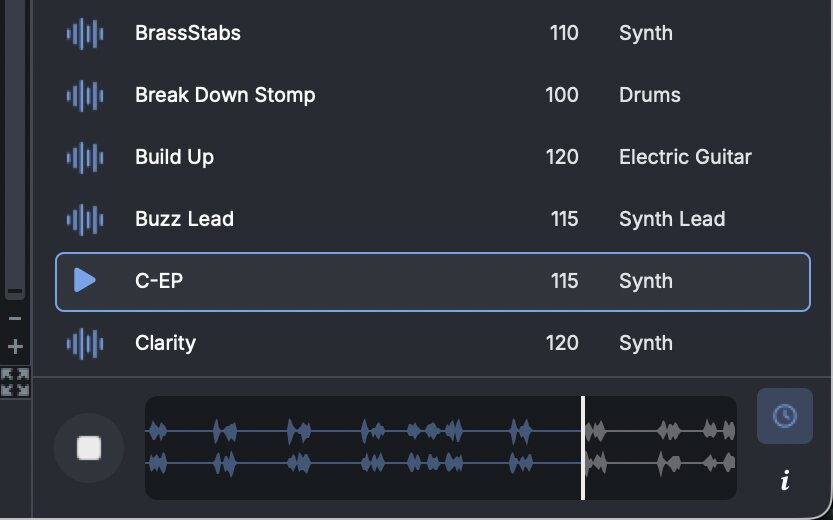
The Loop Browser previewing a loop on its waveform

The Loop Browser

  • Loops match the song tempo as you drop them in, down to decimal BPMs like 92.5.
  • Browse by genre, instrument, BPM or pack, or search for a word like 'guitar'.
  • Preview any loop on its waveform, then double-click it or drag it into the Timeline.
  • Effects and instrument plug-ins sit in the same browser, ready to drop on a track.
  • Get free and premium packs from the Add-on Manager, right from the browser.
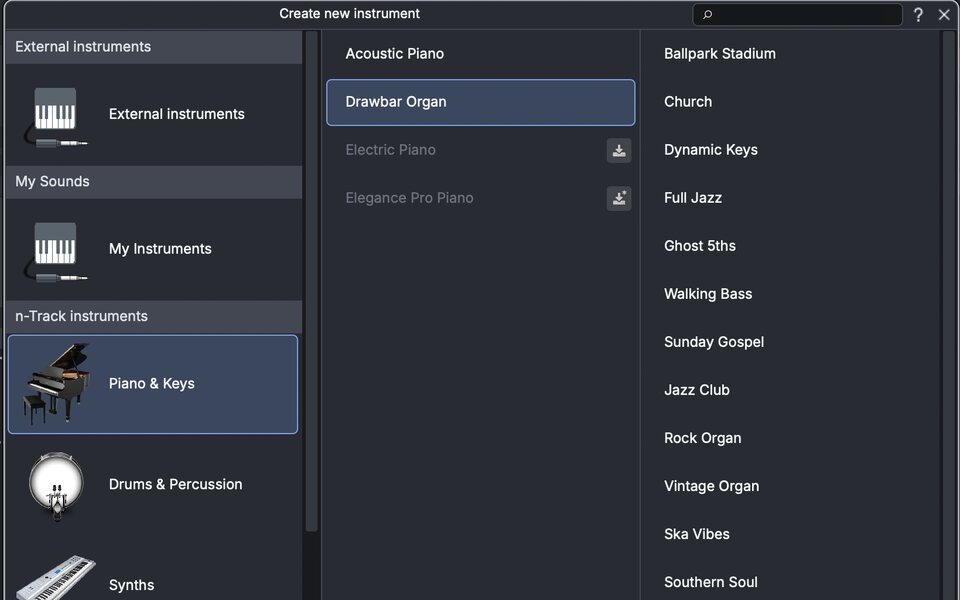
Create new instrument: Piano & Keys, Drums, Synths, Orchestral

Sounds and Instruments

Enrich your sonic palette with a 15GB+ selection of royalty free loops, projects and samples

Part speed follows song bpm on a loop

In time, and in key

The first time you import a loop, n-Track offers to match it to the song key. The transpose widget on the part shifts its pitch without a plug-in.

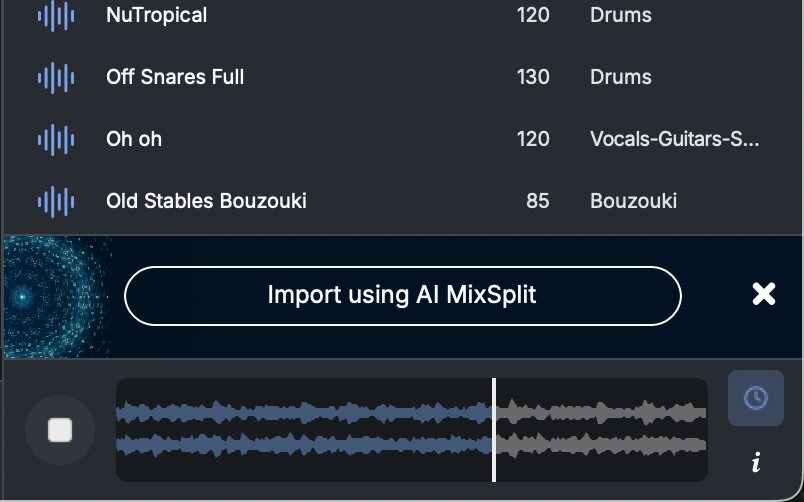
The Loop Browser with Import using AI MixSplit

Instrumentals, as stems

Full-length royalty-free beats, many with their song files. Import any of them as separate instrument stems with AI MixSplit.

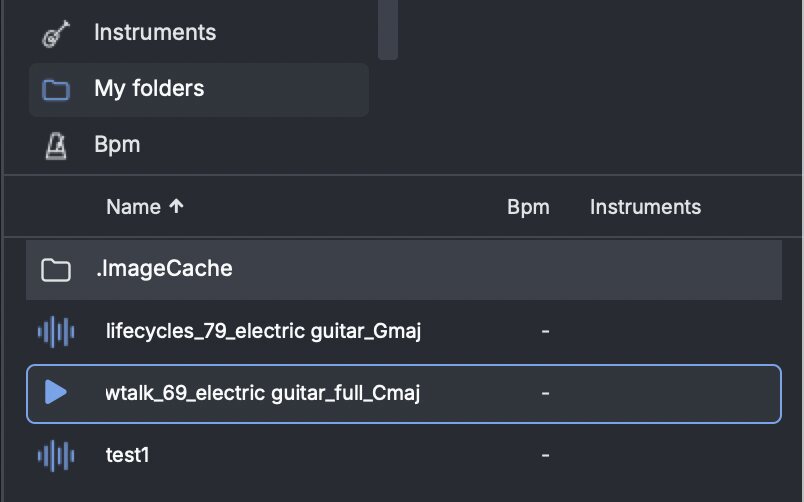
Your own folders in the Loop Browser

Your own sounds, too

Add your sample folders under My folders. WAV, MP3, AIFF, M4A and FLAC files preview and drop in like any loop.

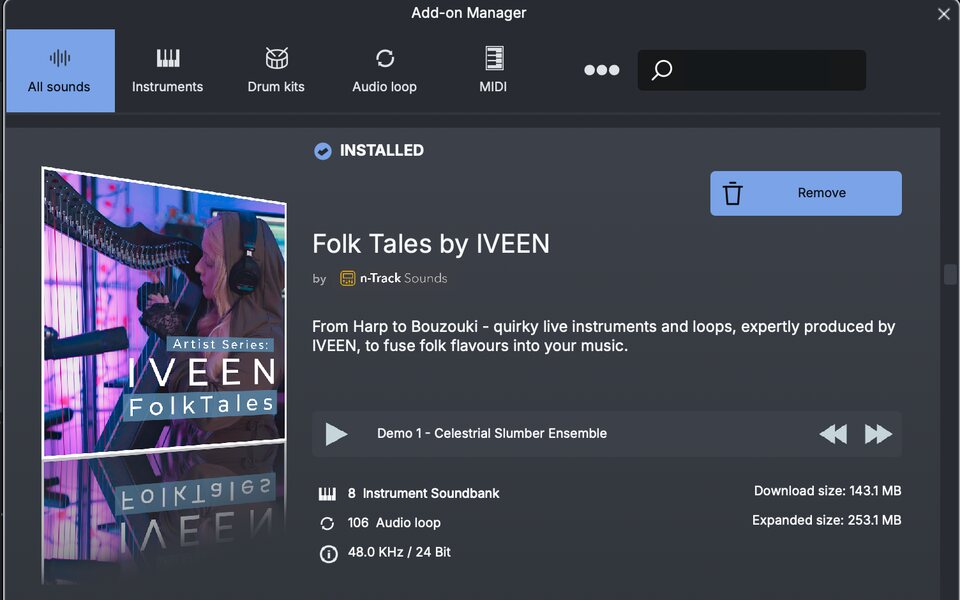
The Add-on Manager with installed and free sound packs

Add-on manager

The Add-on manager lets you download additional content. Enrich your sonic palette by downloading free or premium sounds and instruments.

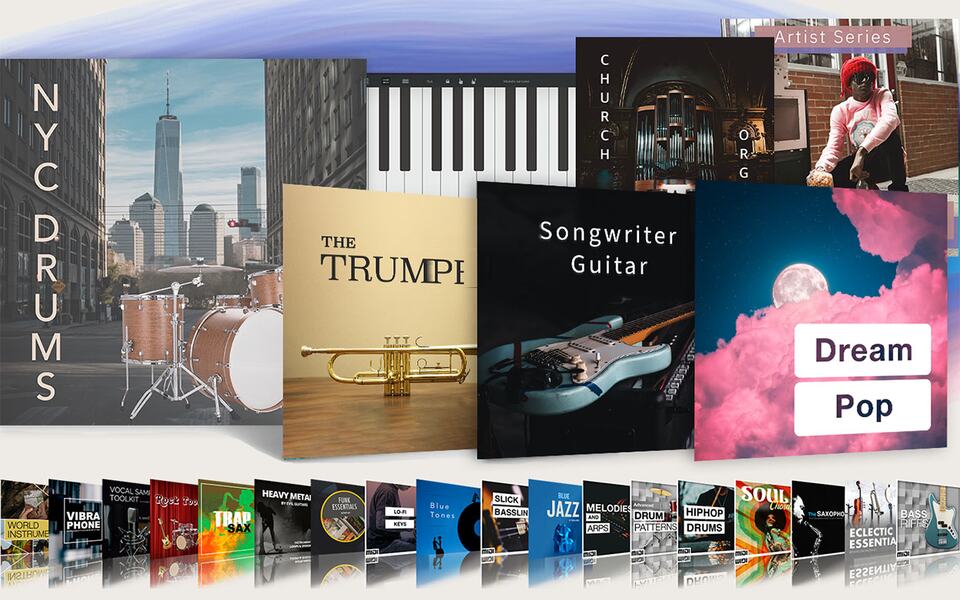
Suite sound packs: NYC Drums, The Trumpet, Songwriter Guitar, Dream Pop and more
Suite & Suite+

The full library, with Suite

Some loop packs and instruments are Suite only. Suite and Suite+ unlock every royalty-free loop and sound, Premium packs included, and all 400+ playable instruments.

05Effects

A full rack, built in.

EQ, dynamics, vocal tools, amps, reverbs and some stranger things, all built in. Your own plug-ins load right next to them.

Graphic EQ
New in 11

Graphic EQ

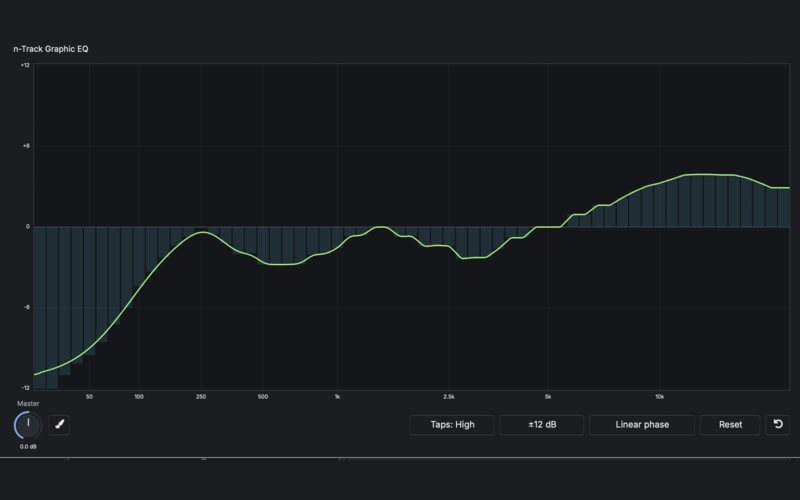
61 bands from 20 Hz to 20 kHz that you draw straight onto the display, with linear phase for groups and the master.

Multiband Compressor
New in 11

Multiband Compressor

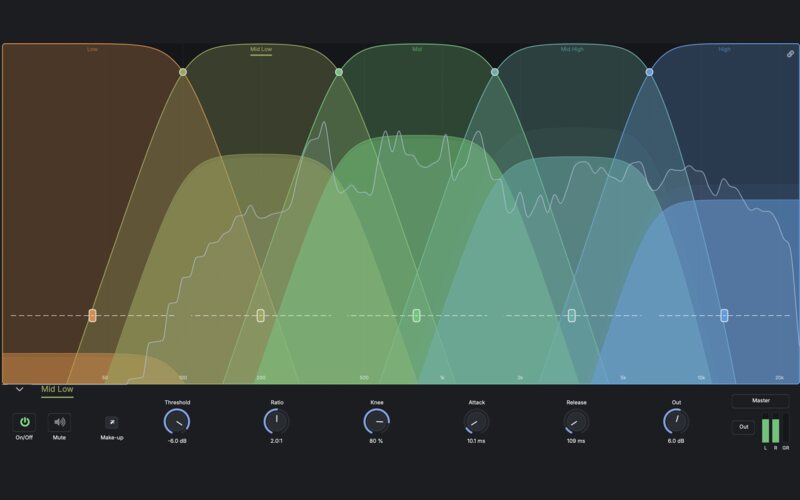
Split the sound into 3 or 5 bands and compress each one on its own, with the crossovers and thresholds right on the graph.

VocalTune

VocalTune

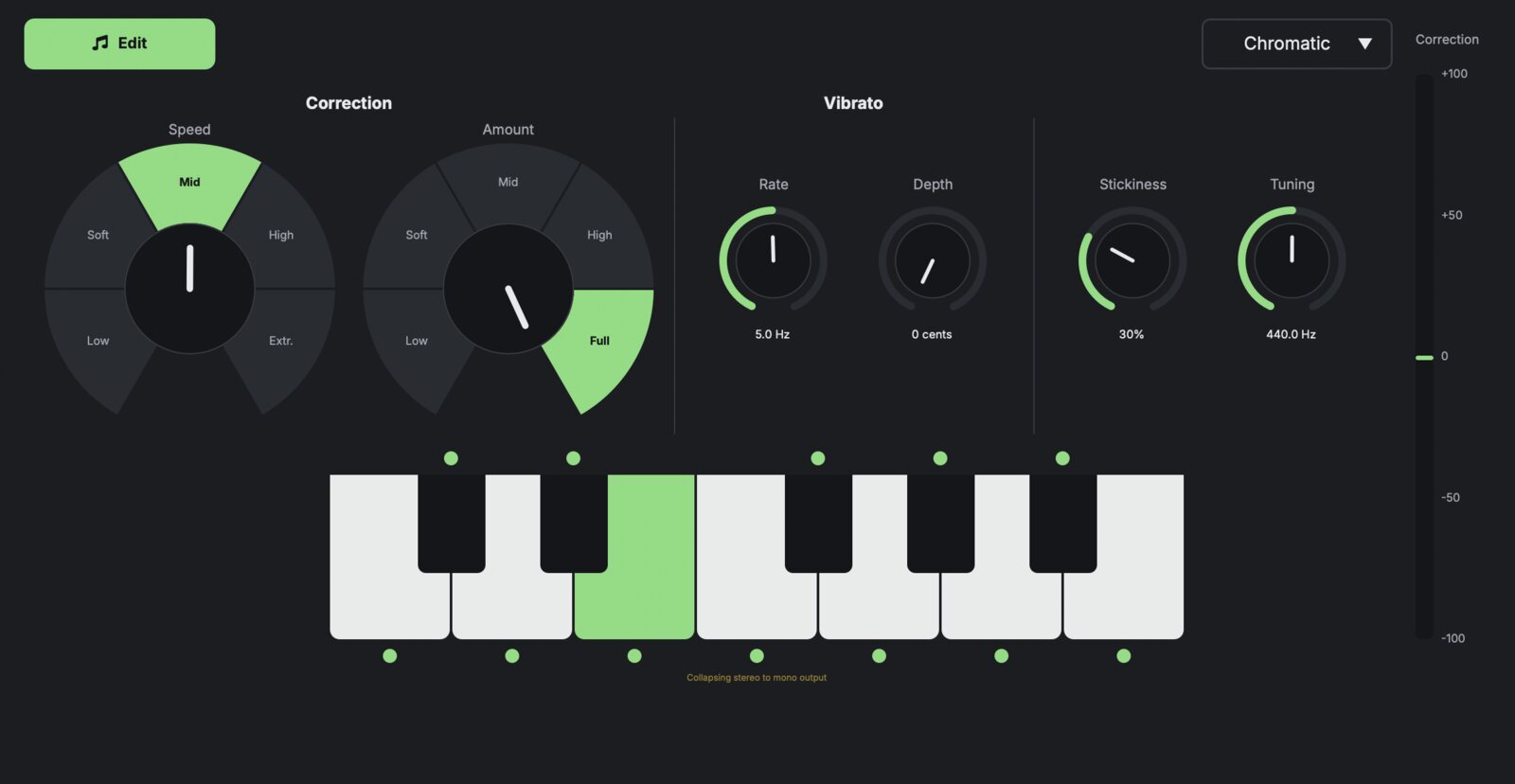
Pitch correction from invisible to robotic, with key and scale, speed, amount and stickiness. New in 11: Edit mode, where you see every sung note on a piano roll and drag it to the pitch you want.

Dynamic EQ

Dynamic EQ

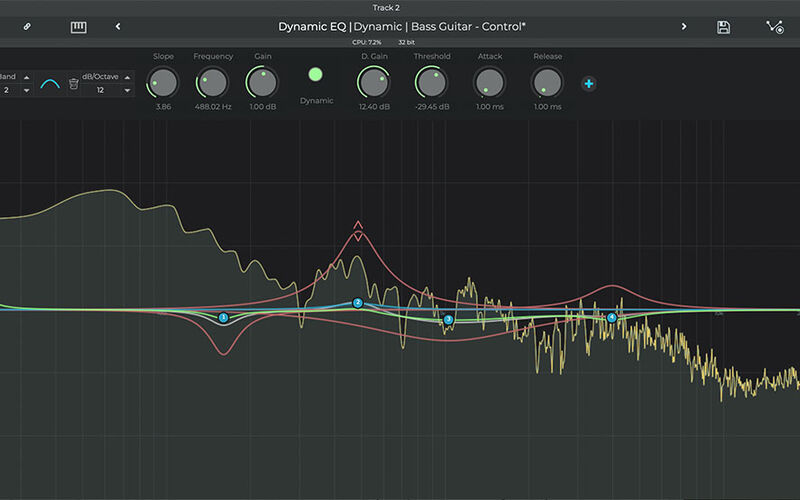
An EQ whose bands only act when the signal crosses a threshold: tame harshness, or de-ess a vocal only where it needs it.

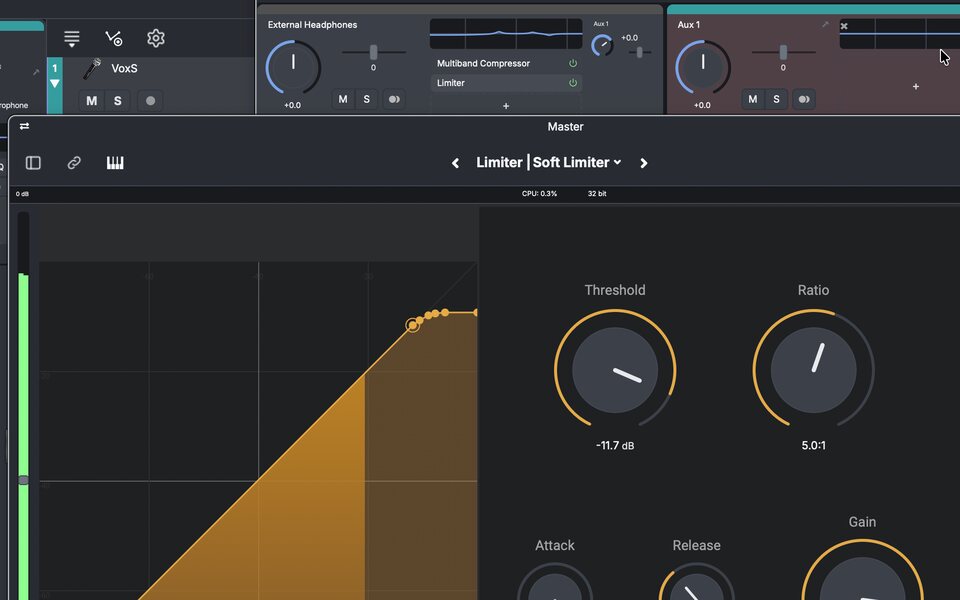
The Limiter with its Soft Limiter preset

Limiter

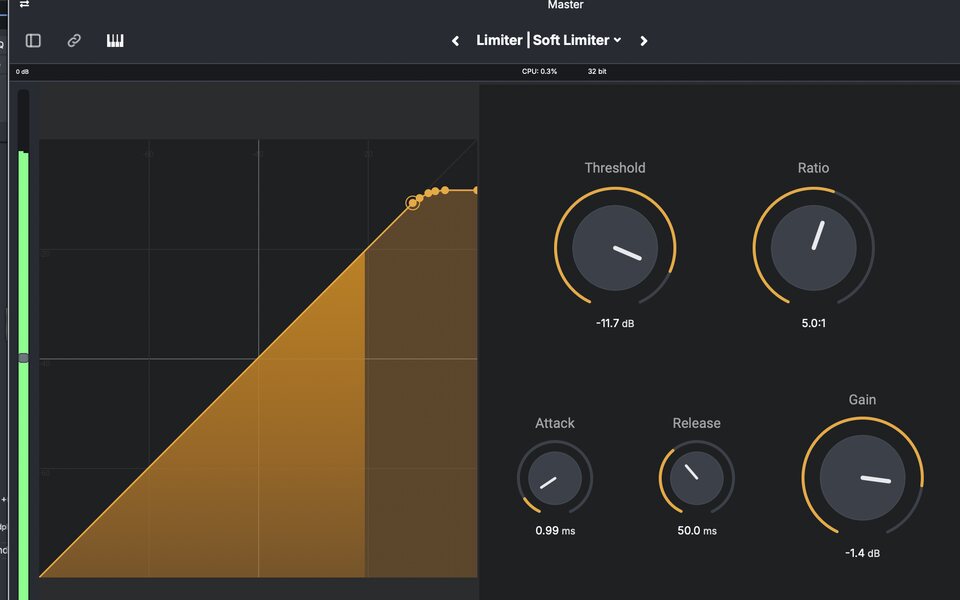
Keeps the master from clipping and brings the level up, with a response graph that shows what it is doing.

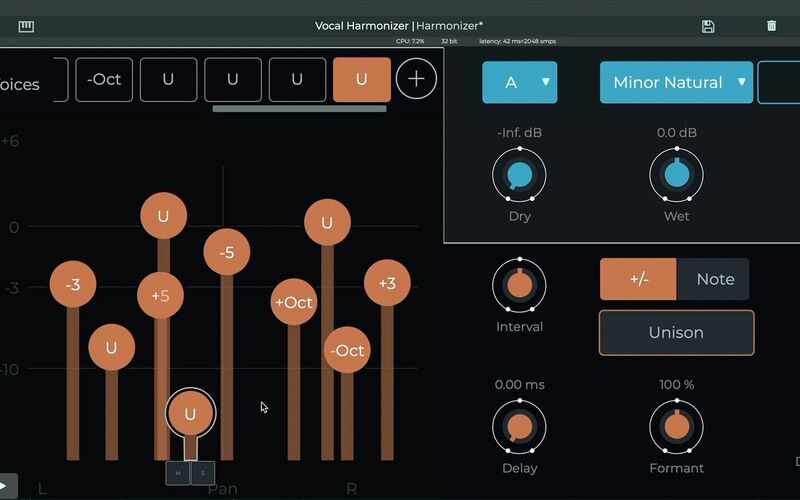
Vocal Harmonizer

Vocal Harmonizer

Up to 12 harmony voices from a single vocal, set by interval or played from a MIDI keyboard, with formant control.

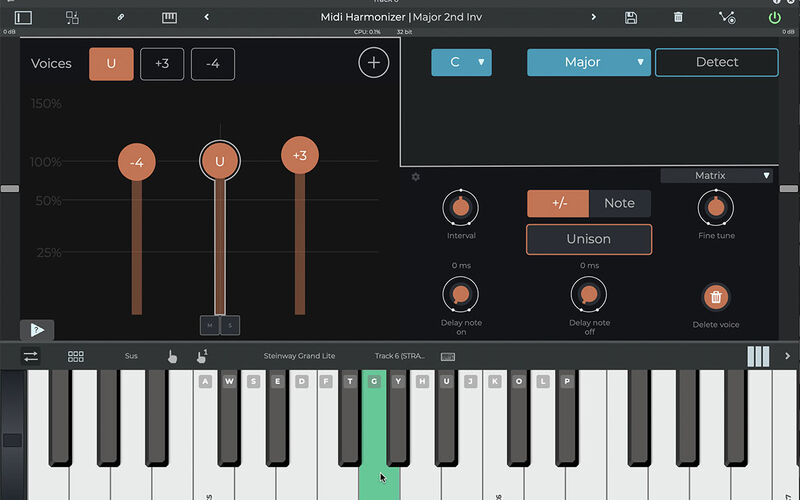
MIDI Harmonizer

MIDI Harmonizer

Harmonies generated as MIDI notes, so the instrument itself plays them and they sound natural.

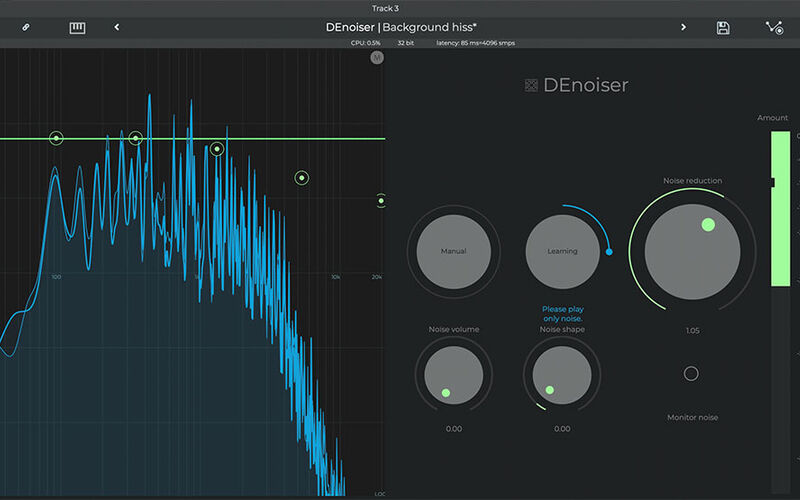
DEnoiser

DEnoiser

Learns the background noise in a recording and takes it out, on vocals and instruments alike.

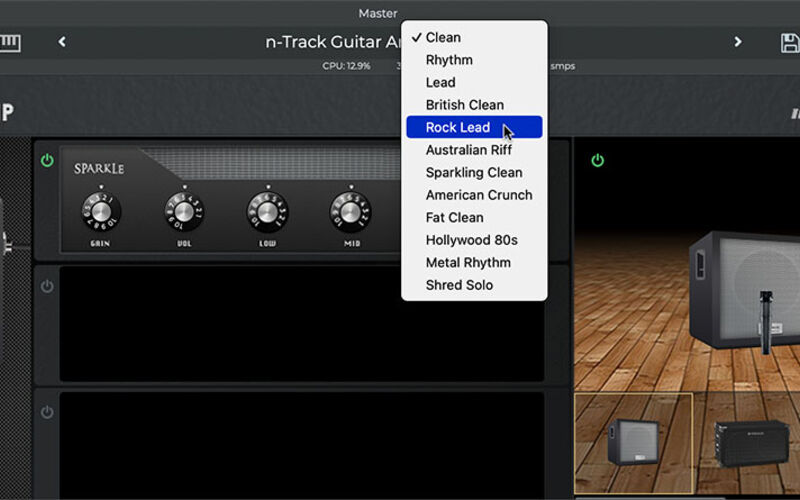
Guitar Amp

Guitar Amp & Bass Amp

Classic amp heads, modern and vintage cabinets and movable mics, for guitar and bass played straight into your interface.

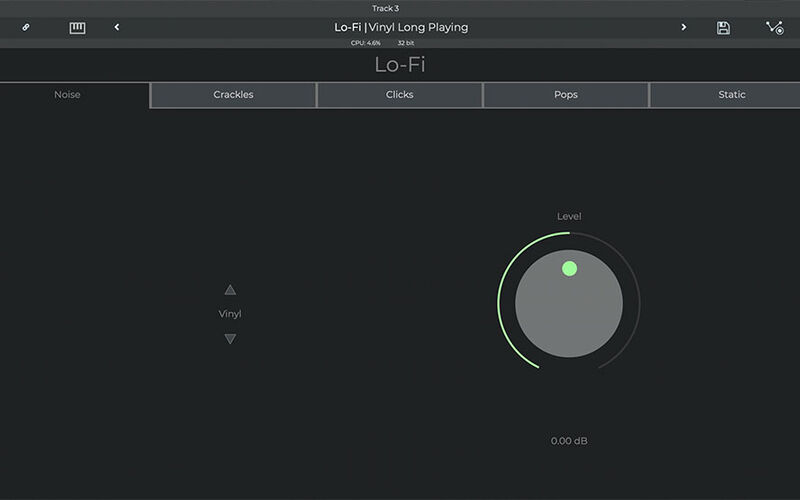
Lo-Fi

Lo-Fi

Vinyl crackle, tape hiss, hum and 8-bit crunch, for audio that sounds old, broken or just full of character.

Glitch in Play mode: twelve effect pads
New in 11

Glitch

A new effect made for playing. Throw stutters, chops and digital crunch at any track while it plays, and keep the happy accidents.

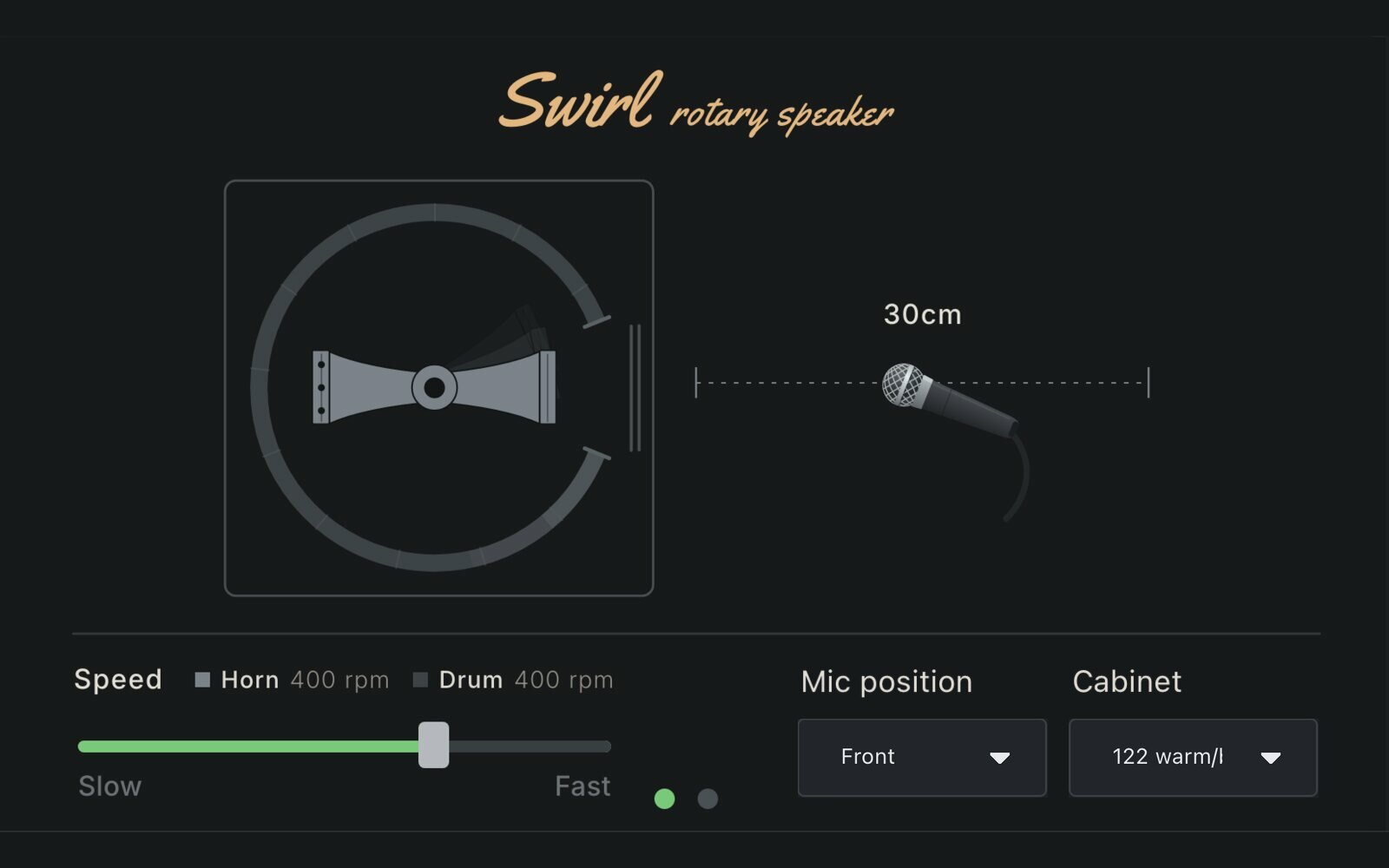
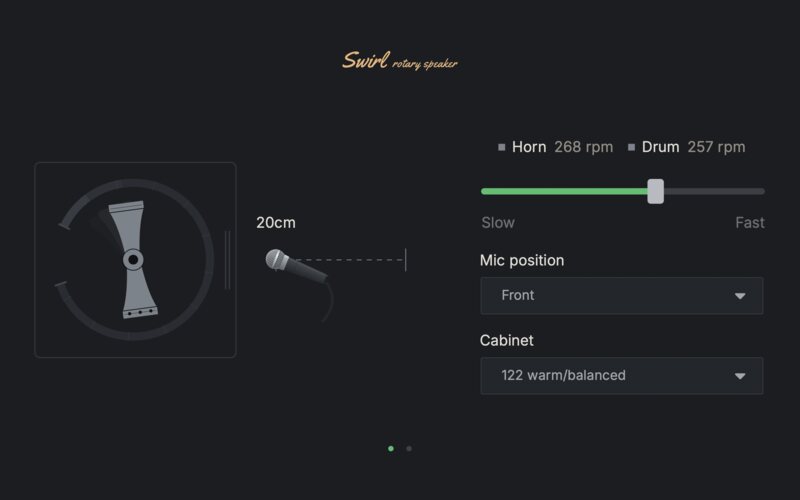
Swirl rotary speaker
New in 11

Swirl

A rotary speaker with a spinning horn and drum, a mic you can move and four cabinets to choose from.

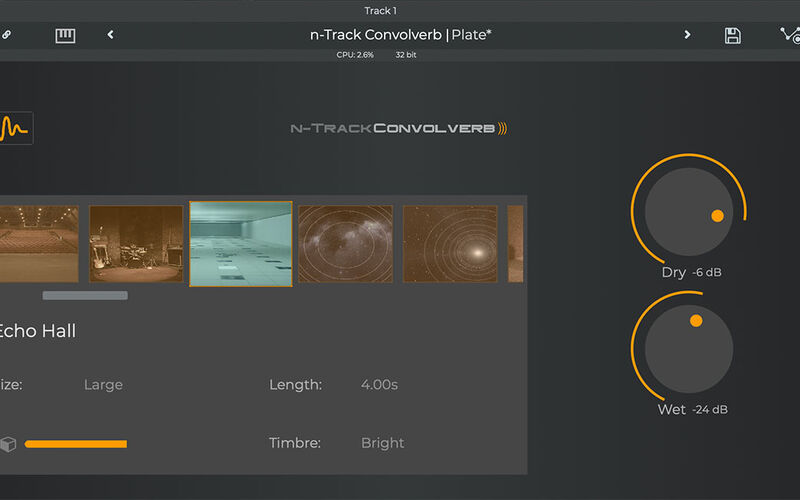
Convolverb

Convolverb

Convolution reverb from impulse responses of real spaces, or from any audio file you load as one.

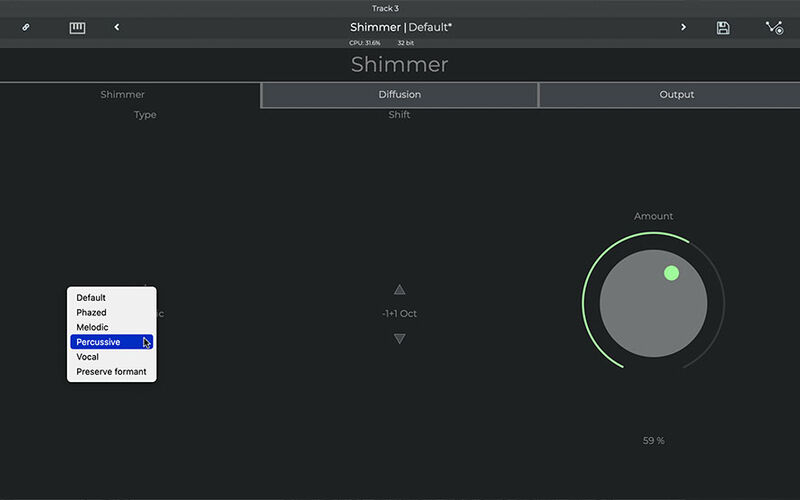
Shimmer

Shimmer

Pitched, diffused reverb tails for ethereal layers and whole new atmospheres.

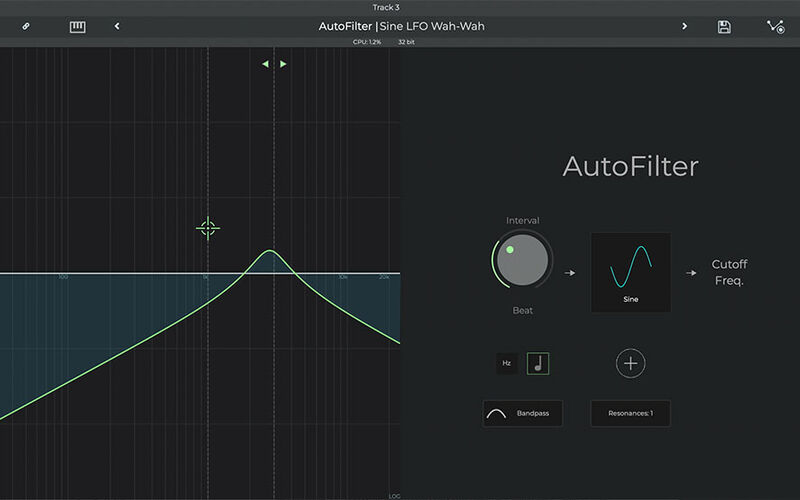
AutoFilter

AutoFilter

Sweeps, rhythmic pulses and evolving movement from filters, waveforms and resonance.

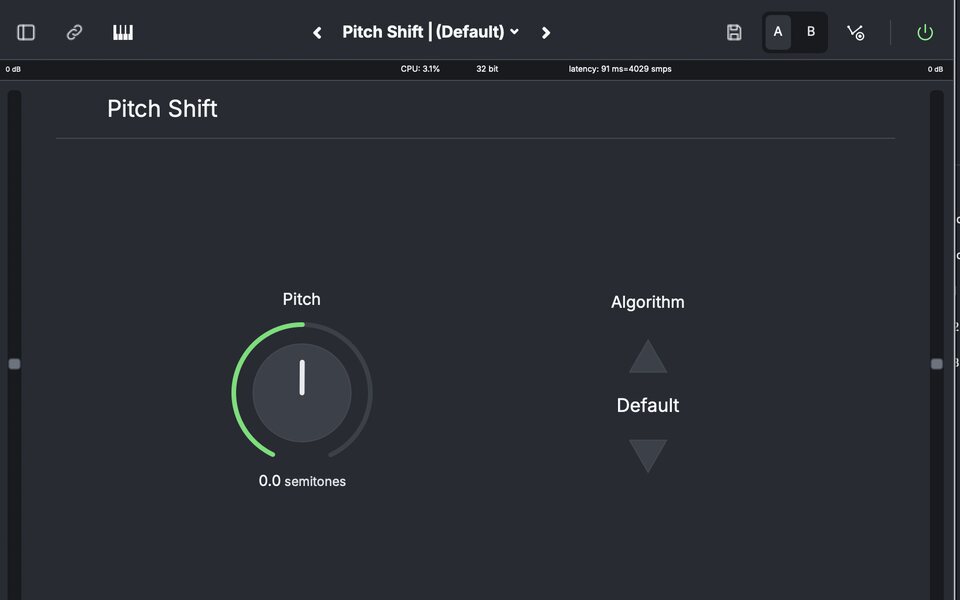
Pitch Shift

Pitch Shift

Transpose audio and MIDI tracks up to two octaves either way, fine-tune in cents, and pick the algorithm that suits the sound.

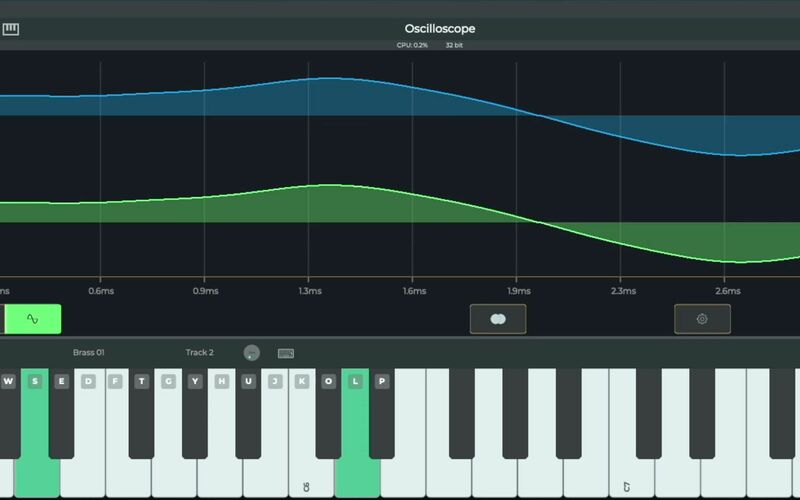
Oscilloscope

Oscilloscope

See the waveform of any track in real time, instrument tracks included.

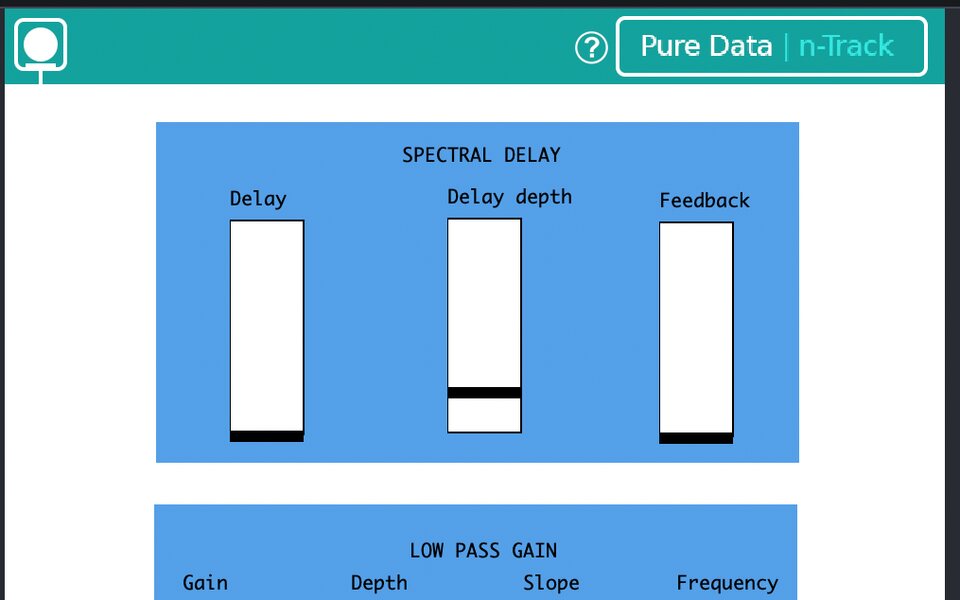
A Pure Data patch (Spectral Delay) running as an effect

Pure Data

Load effects and synths built as Pure Data patches, or make your own.

And the rest of the rack

AutoFilter, Autowha, Bass Amp, Chorus, Compressor, Convolverb, DEnoiser, Detuning Delay, Diffuser, Dynamic EQ, Echo, Fuzz, Gain, Graphic EQ, Guitar Amp, Limiter, Lo-Fi, Meter, MIDI Harmonizer, Multiband Compressor, Multitap Delay, nVocal, Noise Gate, Pd [FX], Phaser, Pitch Shift, Reverb, Shimmer, Spectral Delay, Tempo Delay, Tremolo, Tube Distortion, VocalTune, Vocal Harmonizer, Vocoder

Hear the difference, not the description.

Amps, cabinets, pitch correction and a full effects rack, built in. Pick a preset and listen - the vocal presets switch between the raw take and the processed one while it plays.

Guitar Amp

Bass Amp

VocalTune

Bring your own plug-ins

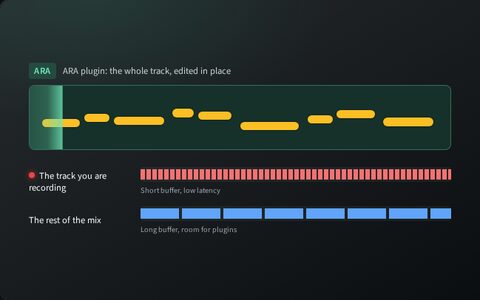
VST, VST3 and CLAP effects and instruments, AU on macOS and iOS, and DirectX on Windows. New in 11, ARA plug-ins such as Melodyne read the whole track, so you edit in place.

  • VST
  • VST3
  • CLAP
  • AU
  • DirectX
  • ARA

06Mix & master

From rough mix to master, in one window.

A full mixer with inserts, sends, groups and automation, the tools to make room for every part, and a mastering chain to finish on.

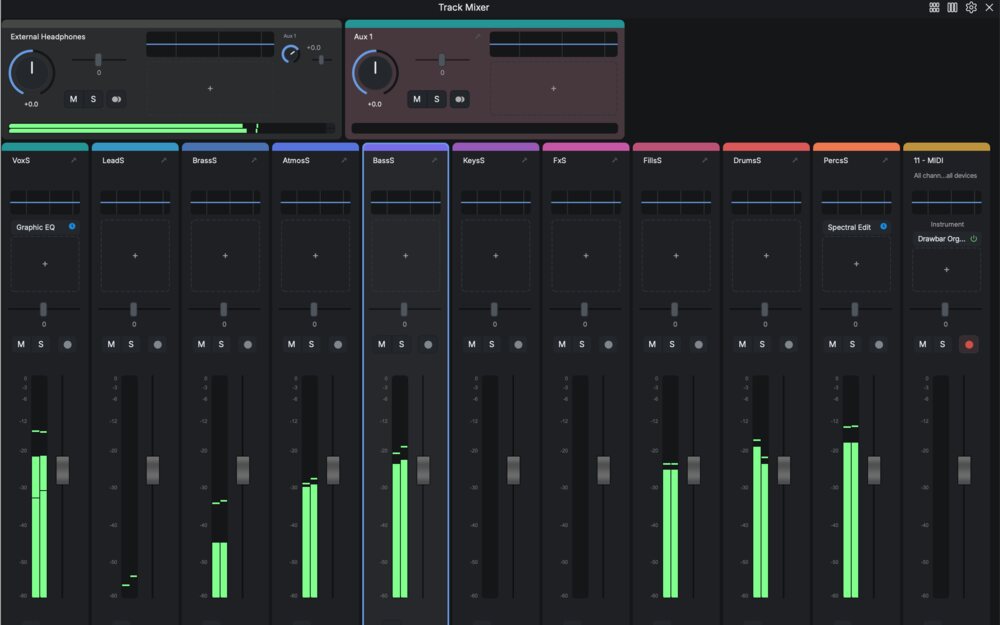
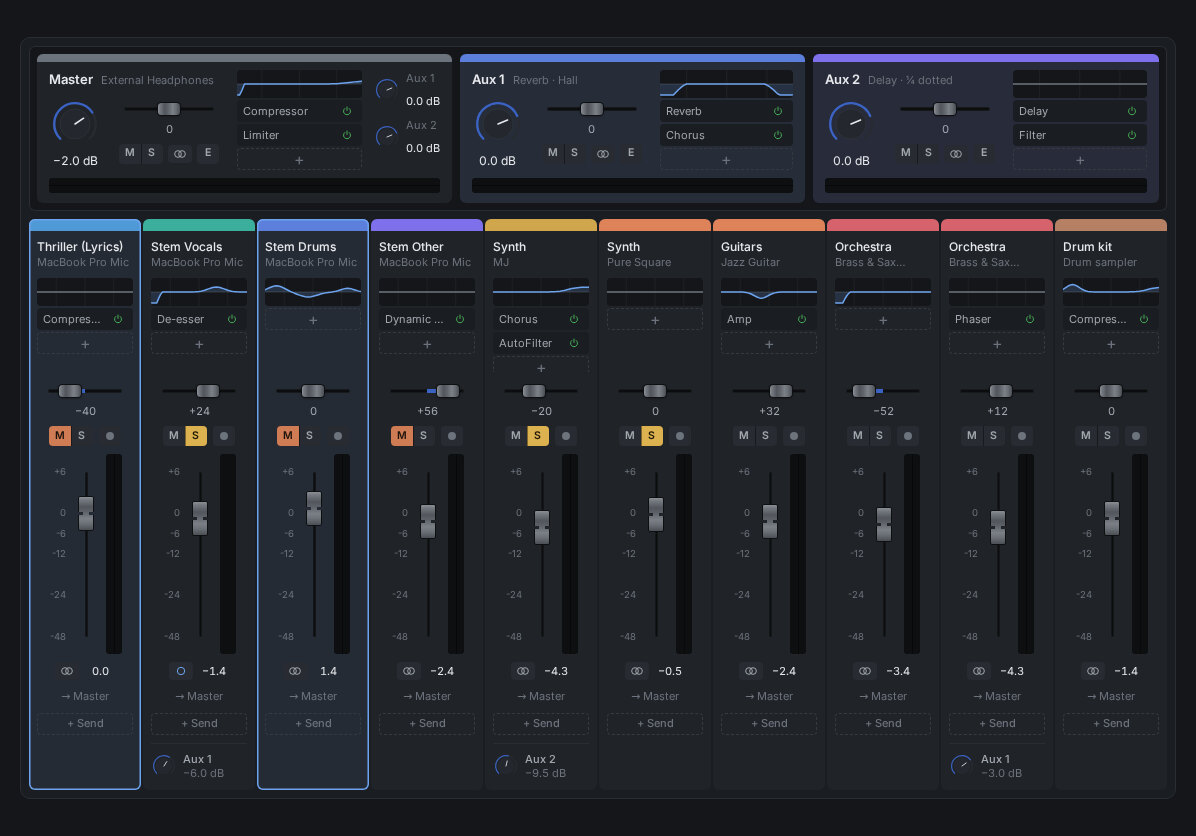
The mixer with an EQ on the master channel
  • Up to 25 insert effects on every track, and up to 32 aux channels for shared reverbs and delays.
  • Group channels, to mix the drums or the backing vocals as one.
  • A parametric track EQ with up to 20 bands, and a spectrum analyser on any channel.
  • Freeze heavy tracks to free up the CPU.
  • 64-bit mixing, with dither and noise shaping on the way out.
Volume automation on tracks and the Master

Automation

Record your moves as you play, or draw envelopes on the timeline, for volume, pan, sends and any plug-in parameter.

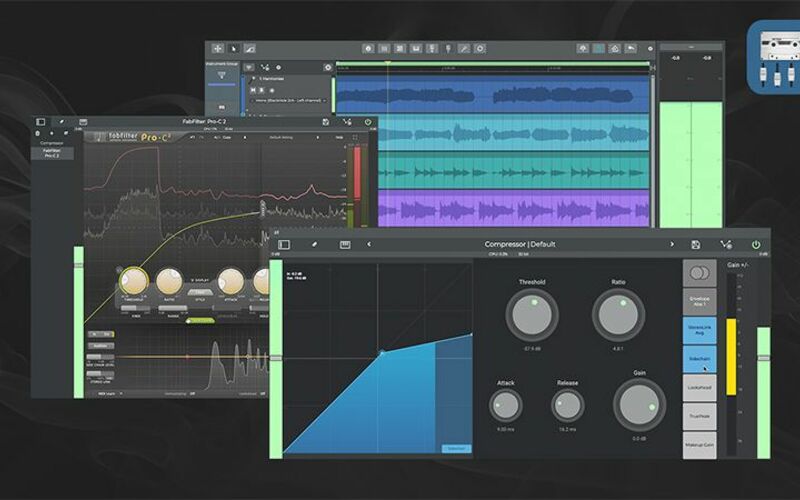
Sidechain routing in n-Track

Sidechain

Let one track drive an effect on another: duck the bass under the kick, or the music under a voice. Works with third-party plug-ins, and on mobile too.

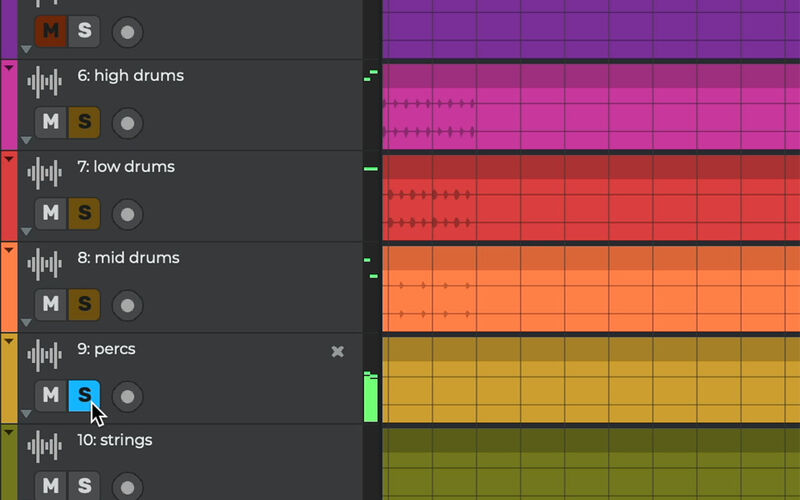
Soloed tracks and the Global Solo button

Global Solo

Solo a handful of tracks, then switch the whole solo set on and off with one button, on desktop and mobile.

Mastering on the Master: Multiband Compressor into the Limiter

Mastering

A limiter, EQ and loudness tools on the master channel, and a step-by-step guide in the manual for taking a mix to a finished master.

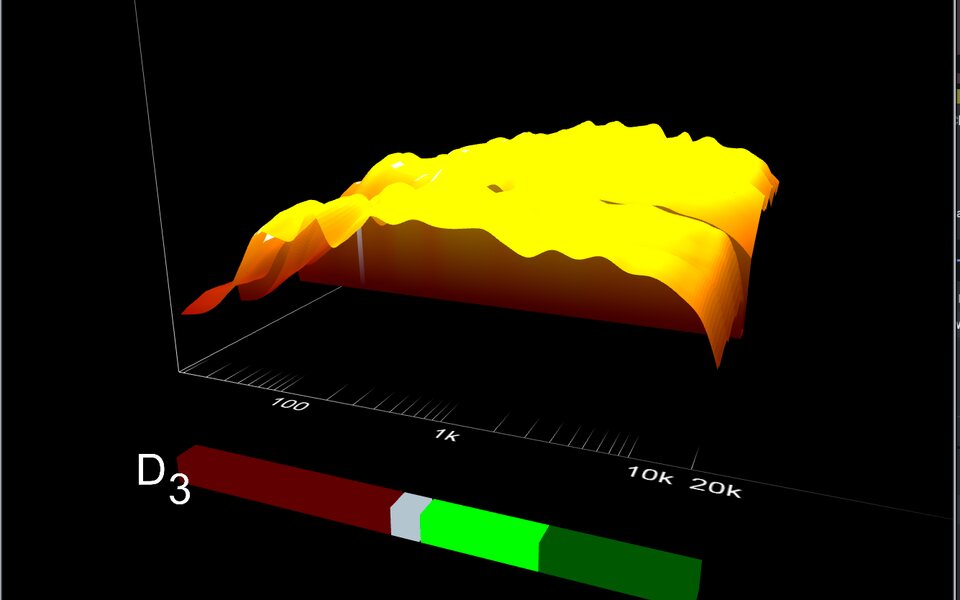
The 3D sonogram on the Master

2d & 3d Sonograms

See the details of your sound with the 2d and 3d sonograms. You can zoom in, rotate and EQ your sound in the process.

07AI & creative

Let AI do the heavy lifting.

An assistant that works inside your project, stem separation, audio to MIDI, and a community to make music with.

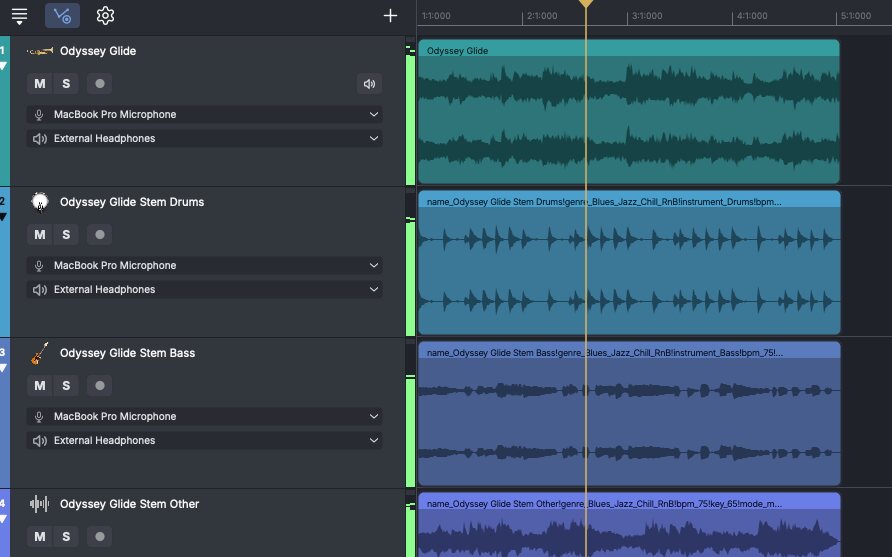
A song split into Drums, Bass and Other stems by AI MixSplit

AI MixSplit

  • Take the vocals out of a song, or split it into separate instrument stems.
  • Run it from the timeline (right-click a part) or straight from the Loop Browser.
  • On Windows (x64 and Arm64) and on iOS 13 and later.
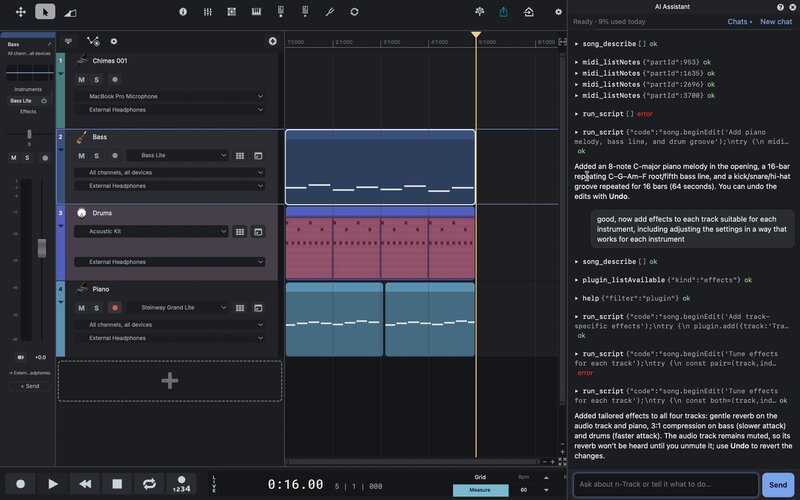
The AI Assistant setting up a song in n-Track: tracks, parts and effects from four prompts
New in 11 Suite & Suite+

AI Assistant

Tell it what you want in your own words and it works right in your song: it sets up tracks and instruments, writes parts, adds effects and exports the mix. Undo takes back anything you don't like.
An audio part and the MIDI track converted from it

Audio to MIDI conversion

Turn a recorded part or a loop into editable MIDI: right-click it, or drag a loop onto an instrument track.

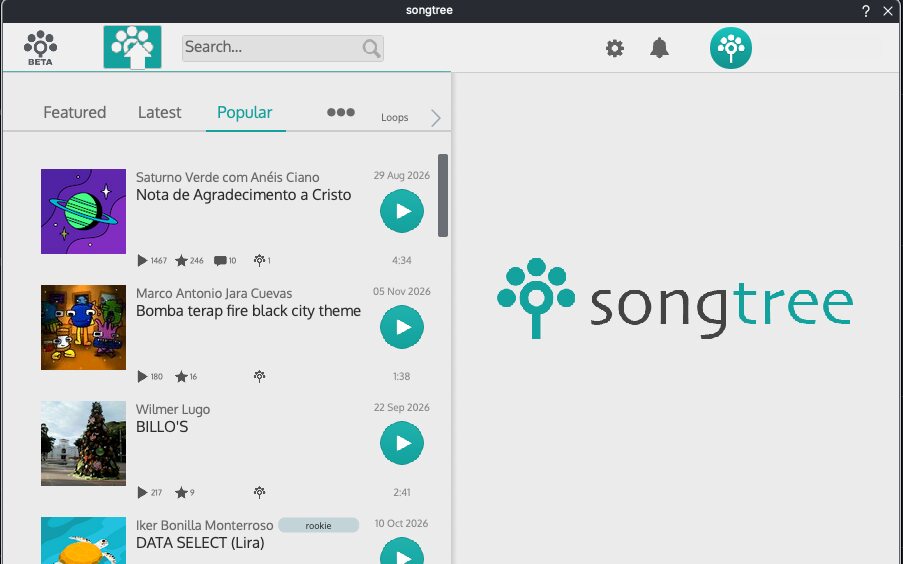
Songtree inside n-Track: browse and play songs from the community

Songtree Community

Upload a song and let other musicians add their parts to it, or add yours to theirs, from inside n-Track.

Gear & files Works with your gear, and your files.

The details, for when you need them.

Plug-in formats
VST, VST3 and CLAP · AU on macOS and iOS · DirectX on Windows · ARA on desktop (new in 11)
Audio
16 and 24-bit interfaces at up to 192 kHz, single or multichannel, with 32 or 64-bit mixing
Drivers
ASIO, WaveRT and WDM on Windows · Core Audio on macOS · realtime kernel support on Linux · USB audio interfaces on iOS and Android
MIDI
Keyboards and controllers, MIDI learn, dedicated control surfaces, SysEx and virtual MIDI cables
Sync
Sync to other programs or external devices using SMPTE/MTC or MIDI Clock sync, acting either as master or slave
Video
Videos (AVI, MPEG) can be played in sync with the song in a dedicated video playback window
ReWire
Supports ReWire technology by Propellerhead Software AB: signals from other programs can be mixed in realtime with n-Track's own channels
Audio files
Imports and exports .wav, .mp3, .wma, .mid, .ogg, .flac, .aiff, .cda, .sng, .sgw audio files
DAWproject
Import and export DAWproject files to move whole sessions between n-Track and other DAWs, with the audio, the MIDI notes and the automation.
Interchange
Imports and exports EDL multitrack song files for exchanging songs with other multitrack programs
Songs
The Song Browser finds and opens your songs without folder-hunting, and packed .sgw files carry a whole song, audio included, in a single file.
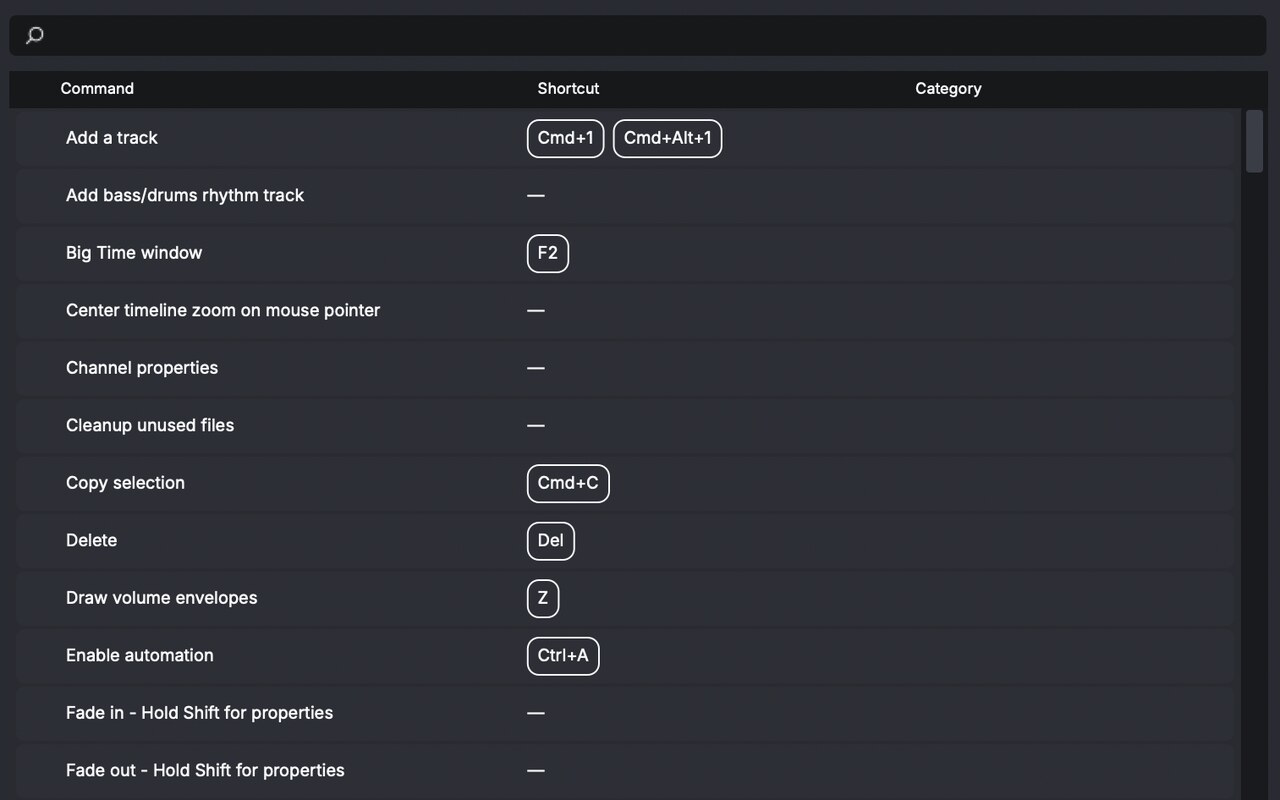
Keyboard shortcuts New in 11
Customize the keyboard layout around the things you actually do all day.
Languages
English · Italiano · Français · Español · Deutsch · Português · 中文 (简体) · 日本語 · Bahasa Indonesia

Download n‑Track Studio 11

Continue with Google Continue with Facebook Please sign in to download Submit Sign in with your email Your email address You already have an n-Track account. Please proceed to login to download. Your account has been created. Please check your email for your download link Your account has been verified. You will now be redirected to your download page; Your account has been verified. You will now be redirected to your download page There was an error verifying your account. Please try again, or login if you already have an account I have reviewed the [TAG_PRIVACY_POLICY] Privacy policy Create account I want to receive emails with offers or promotions on n-Track products Create your n-Track account Your n-Track account has been created. Please check your email to verify your account.